Name and reporting timezone
Open the organisation menu at the top of the sidebar and choose Settings. General holds the organisation’s Name and its Reporting timezone.
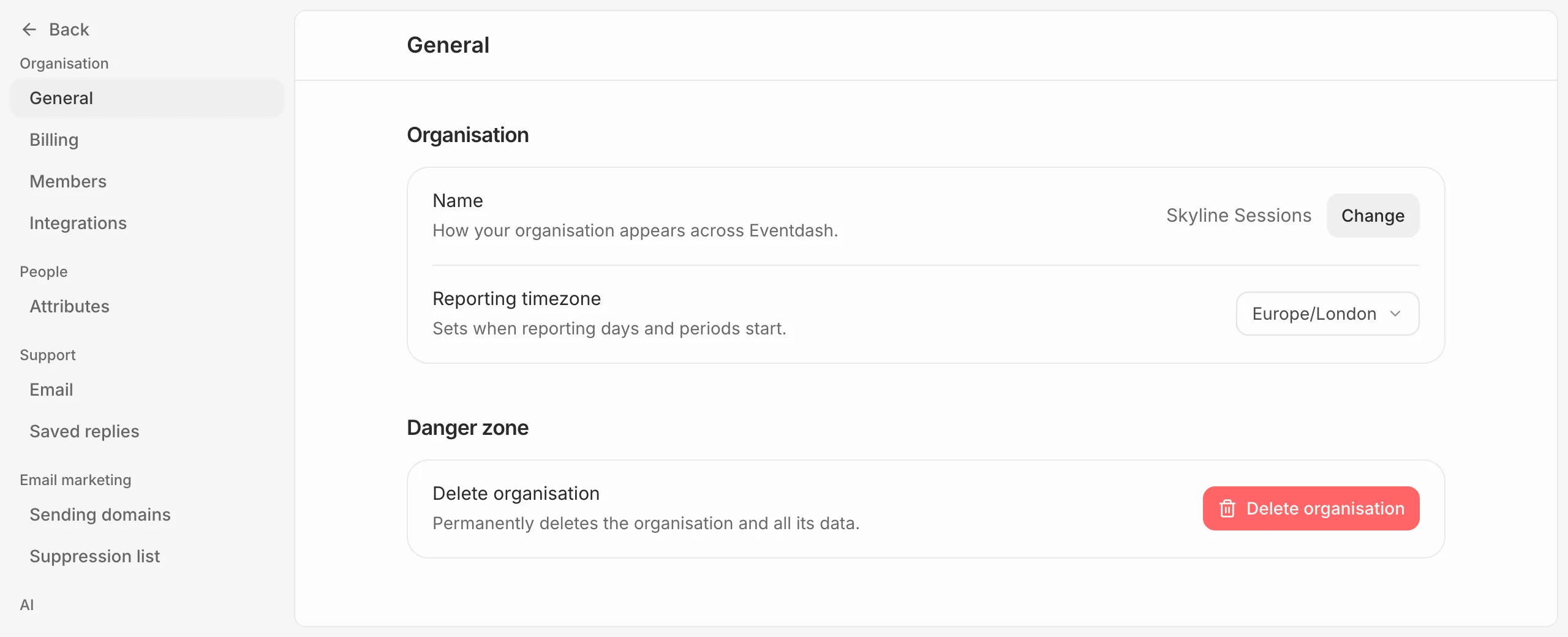
The reporting timezone decides when each day, week and month starts in your dashboards and reports, so a sale at 11pm lands on the right day. Set it to where your events are.
Only owners and admins see these. To delete the organisation, see the link below.
Everything else
- Billing: see Change your plan
- Members: see Invite your team
- Integrations: see Connect a ticketing platform
- Attributes: see Add attributes
- Email and Saved replies, under Helpdesk: see Forward your support email
- Sending domains and Suppressions, under Email marketing: see Set up a sending domain
- Data and privacy, under AI: see Manage AI access
Delete the organisation
The owner can delete the organisation from the foot of General. See Close your account or delete an organisation.