Your team
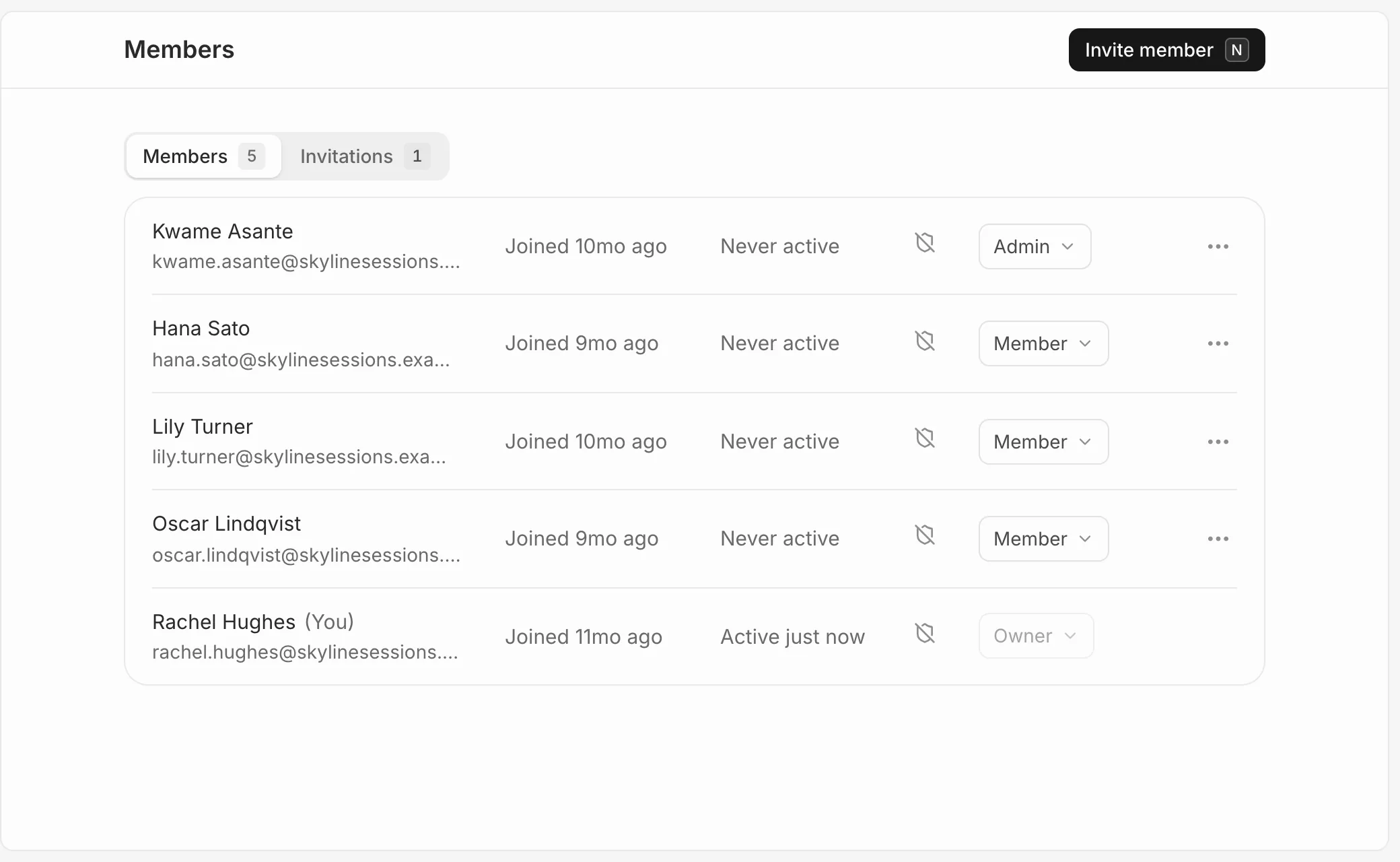
Your team is under Settings, then Members. Owners and admins also see when each person joined, when they were last active and whether they’ve turned on two-factor authentication (the shield).
Send an invitation
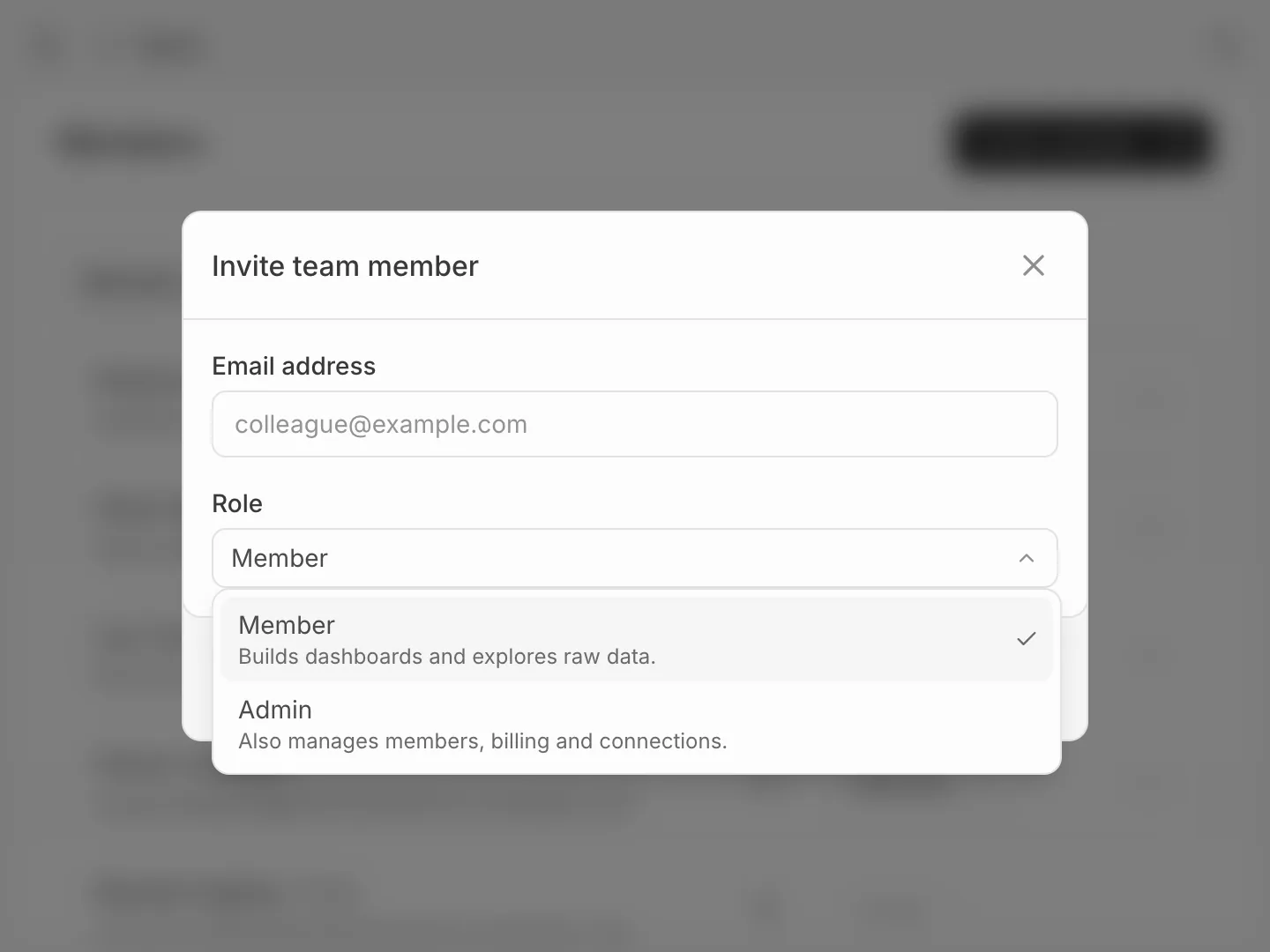
- In Settings, then Members, press Invite member.
- Enter their Email address and pick a Role. See Roles and permissions.
- Press Send invitation.
They get an email with a link to join. See Join an organisation for what they do next.
Every plan we sell includes unlimited team members. Only owners and admins can invite people.
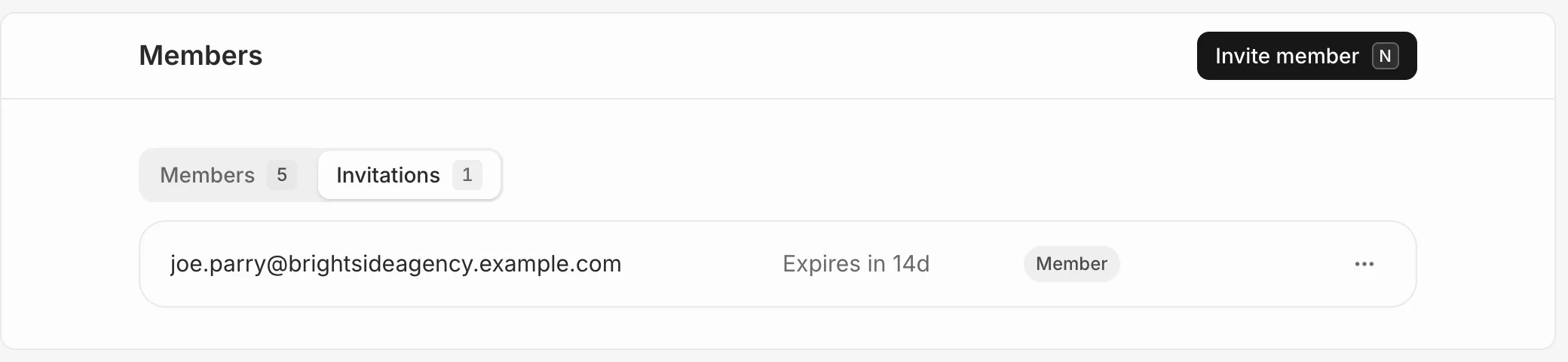
Pending invitations
The Invitations tab lists everyone who hasn’t joined yet. An invitation expires after 48 hours. Open the menu beside it to Resend or Cancel it.