Change someone's role
In Settings, then Members, pick Admin or Member from the role beside their name. It changes straight away.
Remove someone
Open the menu beside them and choose Remove member. They lose access to the organisation at once.
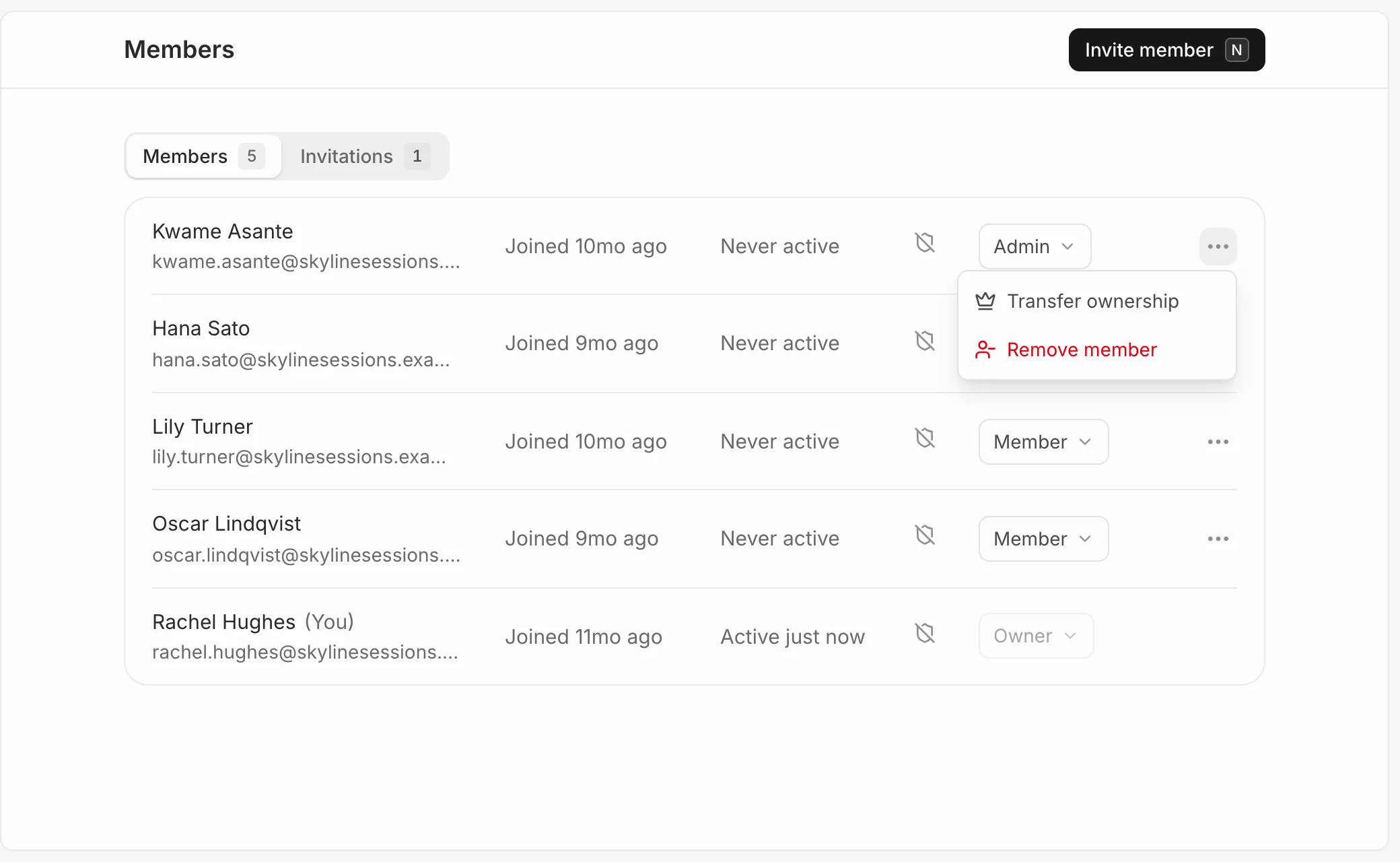
Share links they made for reports keep working. Turn them off from each report’s share dialog if you need to.
Transfer ownership
The owner can open the menu beside someone and choose Transfer ownership. They become the owner and you become an admin.