The plans
Eventdash’s plans are Plus, Pro and Max. Every plan has every feature; they differ in how many tickets, data sources, automations and campaign emails they include. All of them include unlimited team members. Compare them on the pricing page.
Change it
- Open the organisation menu, choose Settings, then Billing.
- Press Change plan and pick the new plan on the secure Stripe page that opens.
- An upgrade starts straight away, and you pay the difference for the rest of the period.
- A downgrade starts at the end of the period you’ve paid for.
- During your trial, the trial carries on with the new plan.
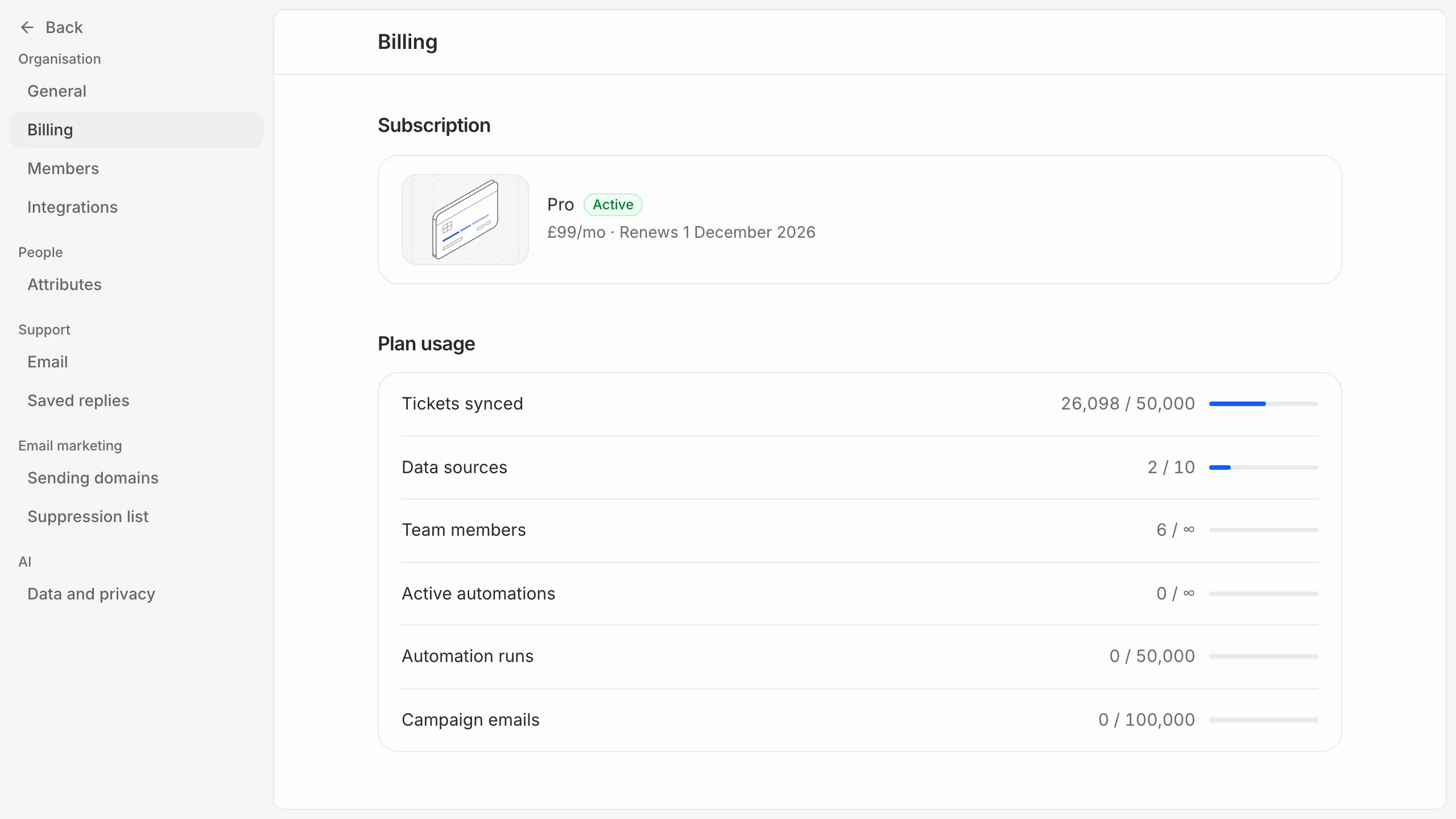
Only owners and admins can see billing.
Monthly or yearly
Paying yearly gets you 2 months free. Under Billing interval, press Switch to yearly, which starts straight away, or Switch to monthly, which starts at your next renewal.