Switch organisation
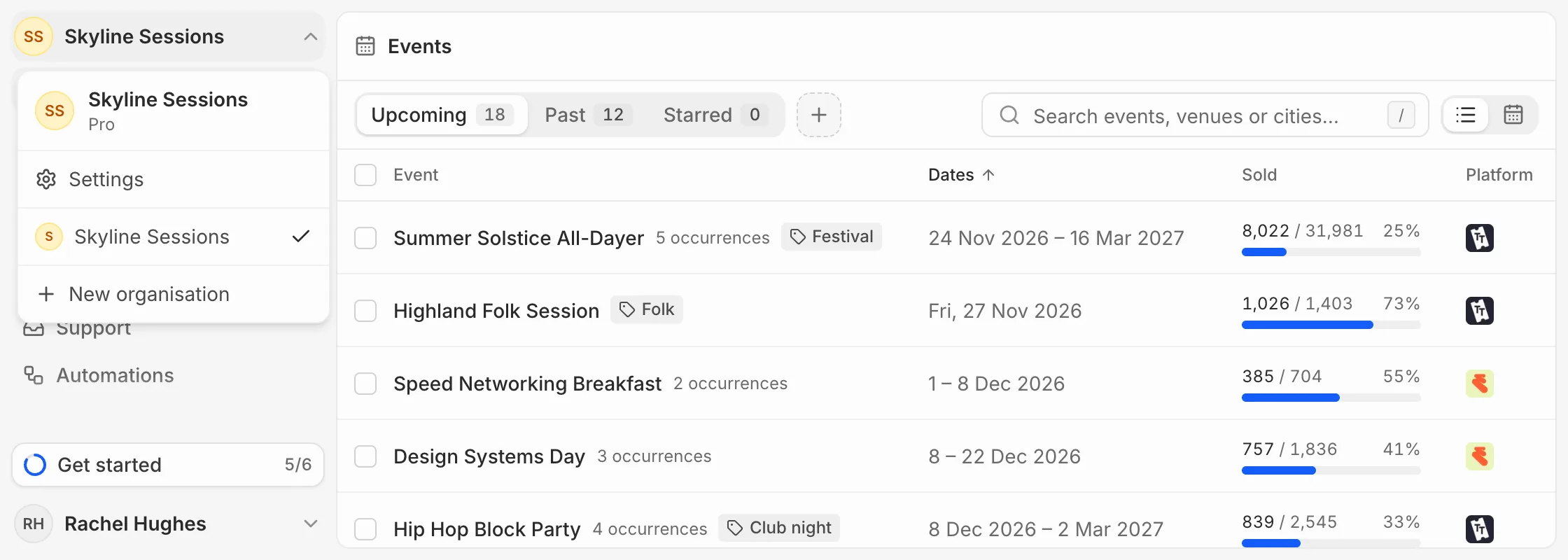
Open the organisation menu at the top of the sidebar and pick another. You can also press ⌘K and search for Switch organisation.
Create another
Choose New organisation from the same menu. Each organisation has its own plan, ticketing platforms, people and team, and goes through its own checkout. See Set up your account.
Leave an organisation
In Settings, then Members, open the menu beside your own name and choose Leave organisation. You lose access to its dashboards, reports and data straight away, and someone still in it can invite you back.
The owner can’t leave. Transfer ownership first: see Manage your team.