Which platforms
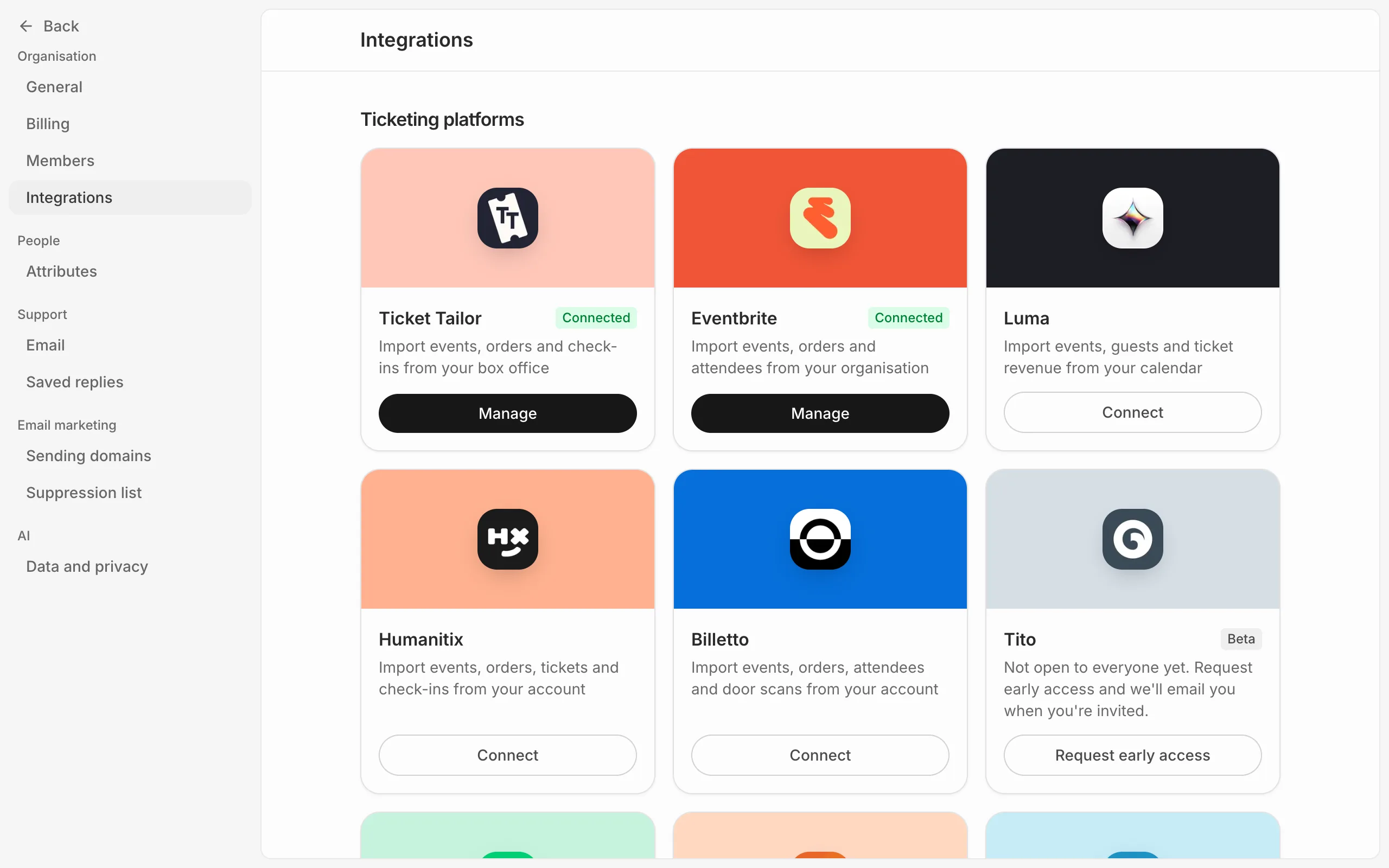
Eventdash imports from Ticket Tailor, Eventbrite, Luma, Humanitix and Billetto. See the integrations page for what comes in from each.
Tito, TicketSpice, TicketSource, Eventzilla and DICE are marked Beta and aren’t open to everyone yet. Press Request early access on one and we’ll email you when you’re invited.
Connect it
- Open the organisation menu at the top left, choose Settings, then Integrations.
- Under Ticketing platforms, press Connect on your platform.
- For Eventbrite, approve access on Eventbrite and you’re brought straight back. For the others, give the connection a name, paste your API key (see Find your API key) and press Connect.
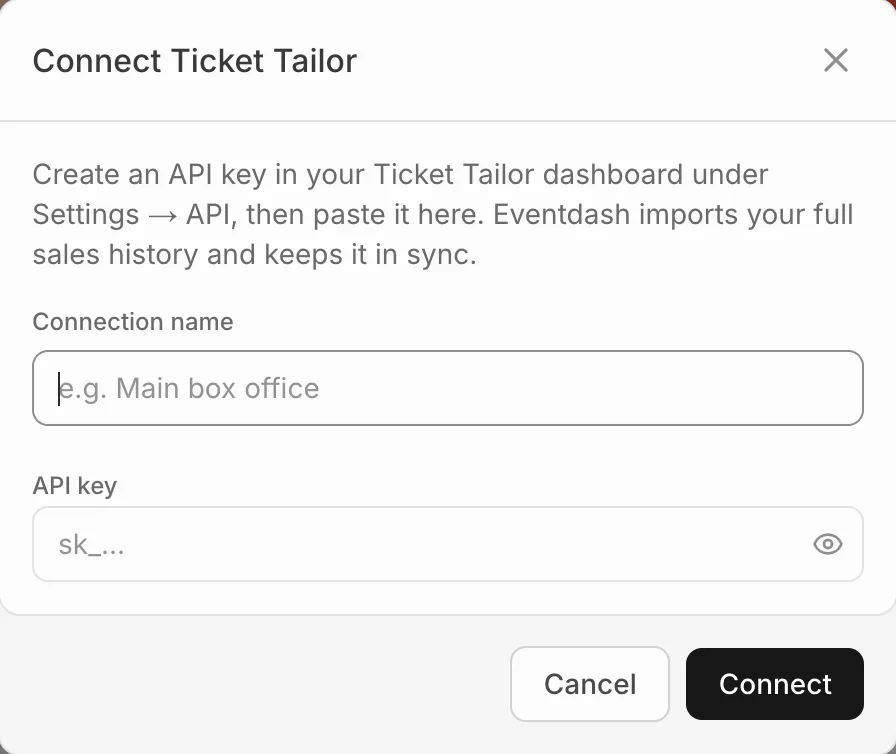
Your full history starts importing straight away. See How often your data updates.
Only owners and admins can connect a platform; members don’t see Ticketing platforms at all. Each account you connect counts as one data source on your plan, so two Eventbrite accounts use two.
More than one account
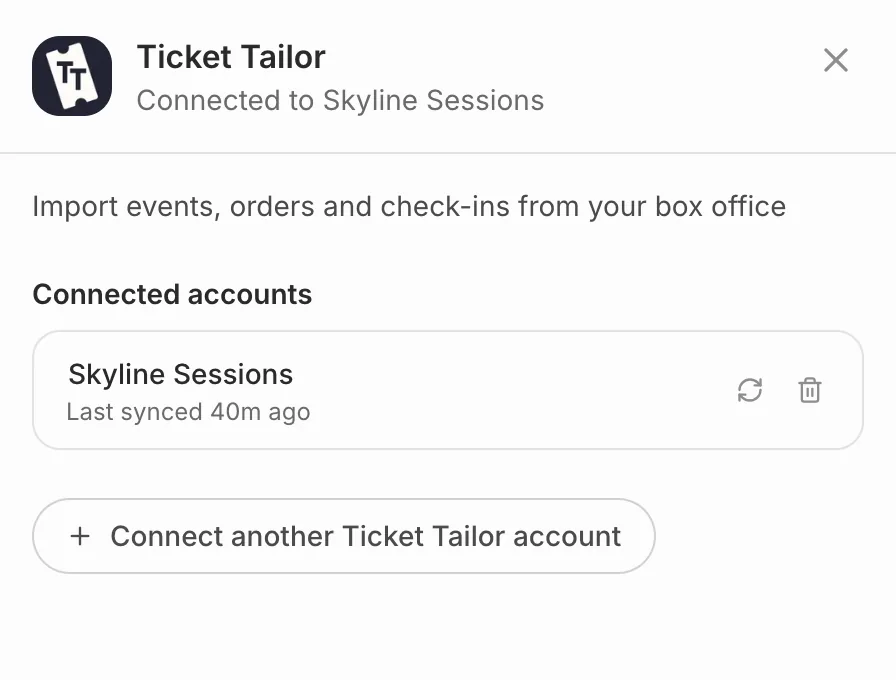
Sell through several accounts on one platform? Press Manage on its card, then Connect another Ticket Tailor account (or whichever platform it is). Every account feeds the same events, dashboards and buyer profiles.
To rename a connection, click its name under Manage and type a new one.