Delete an organisation
- Open the organisation menu, choose Settings, then General.
- At the foot of the page, press Delete organisation.
- Type the organisation’s name and press Delete.
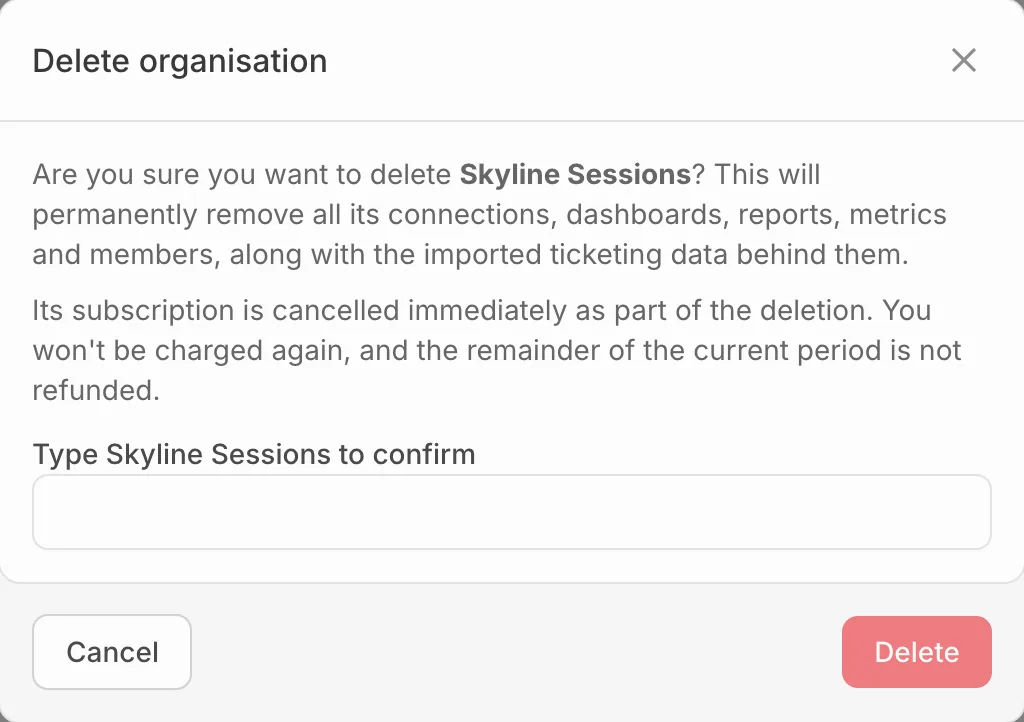
This removes its connections, dashboards, reports, metrics, members and imported ticket data for good. Its subscription is cancelled straight away, and the rest of the period isn’t refunded.
Only the owner can delete an organisation.
Close your account
On your profile, under Danger zone, press Close account and type your email to confirm. This deletes your account and personal details and signs you out everywhere. You’re removed from your organisations, and the work you made there stays without your name on it.
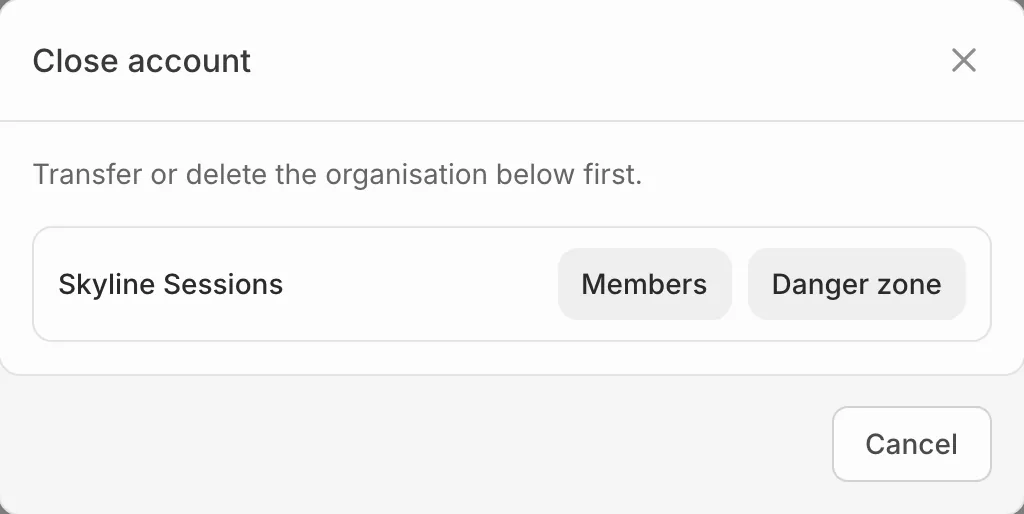
If you’re the only owner of an organisation, Eventdash asks you to transfer it to someone else or delete it first, with a link to each.
To transfer an organisation, see Manage your team.