Sales
- New order: once for every order.
- Ticket issued: once for every ticket, so a four-ticket order starts four runs.
- Order refunded: when a buyer gets their money back.
Events
- New event: when an event is published on your box office.
- Event status changed: when an event goes On sale, Sales closed, is Cancelled or Finished. Pick which of these count.
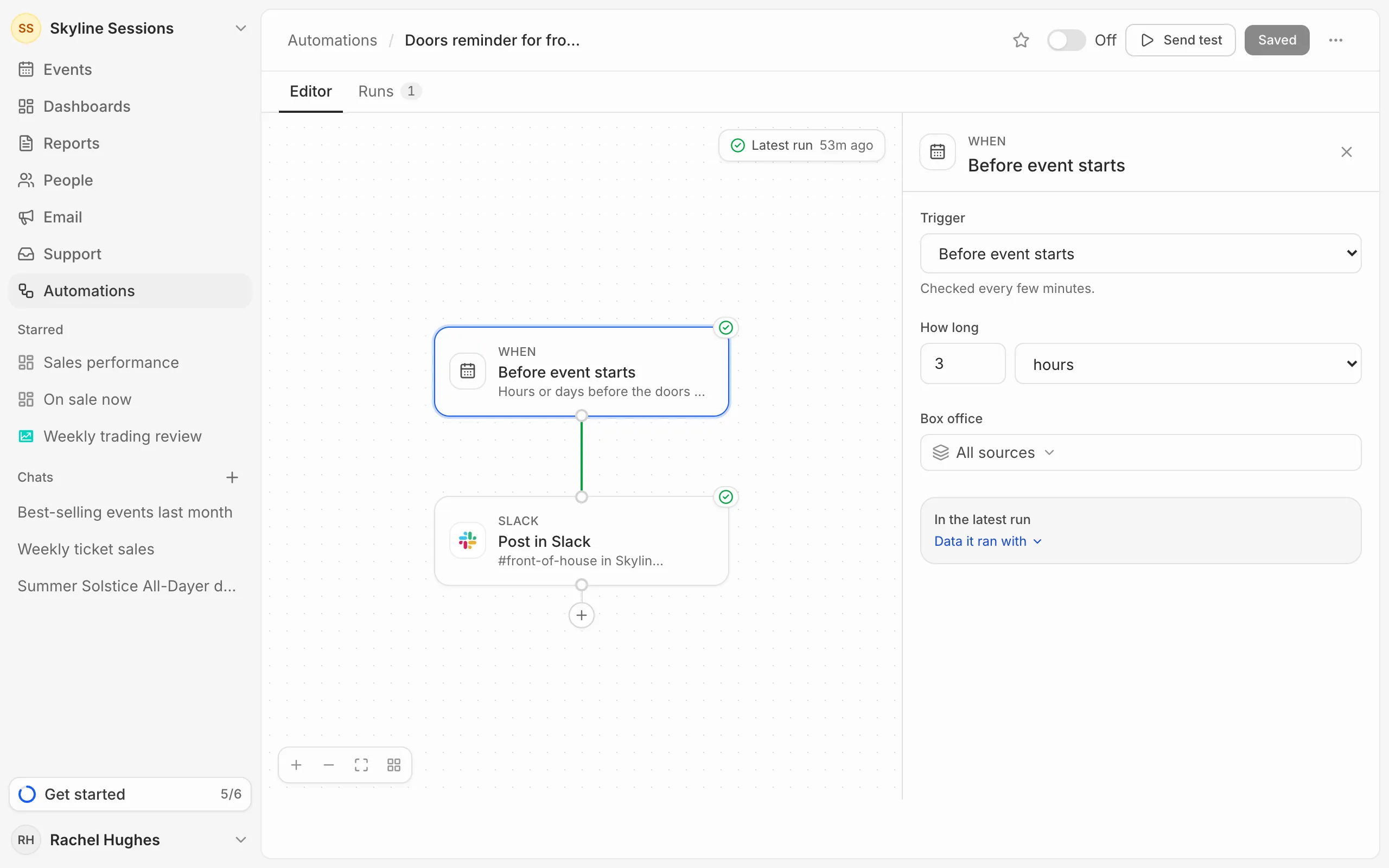
- Before event starts and After event ends: a number of hours or days before or after, for reminders and follow-ups.
Numbers and schedules
- Metric threshold: when a number from your metric library, such as tickets sold this week, rises to or above, or falls to or below, a target you set. It’s measured across your whole organisation, and runs each time the number crosses the line. The metric has to be a single number saved to your library first (see Build a metric).
- Scheduled: every day, every week on the days you pick, or every month on one day, at a set time in your organisation’s timezone. Good for a regular round-up.
Only one box office
If you sell through more than one box office, a trigger about orders or events can listen to just one of them: pick it under Box office. All sources listens to every one.
How quickly they run
Sales and event triggers run once the change reaches Eventdash, usually within 15 minutes of it happening on your box office. Scheduled and time-based triggers run within a few minutes of their time.