Add the step
For a system Eventdash doesn’t connect to, add Make an HTTP request. Choose the Method, enter the URL, and add any Query parameters, Headers and Body. Each can include fields.
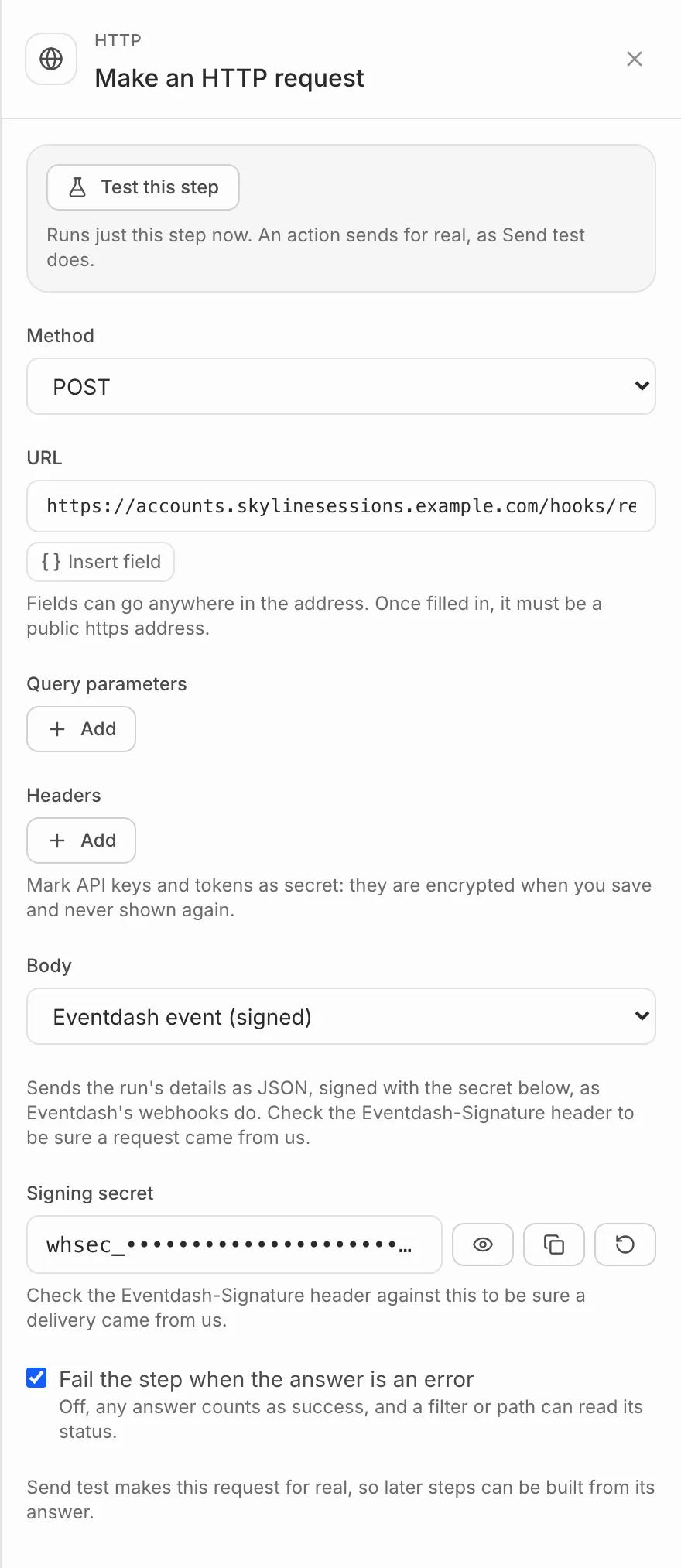
Mark API keys and tokens in headers as Secret. They’re encrypted when you save and never shown again.
The body
- JSON, Form fields or Plain text: written by you, with fields filled in. In JSON, put text fields inside quotes:
"{{order.customer.name}}". - Eventdash event (signed): everything about the run as JSON, with an
Eventdash-Signatureheader. Check it against the Signing secret shown under the body to be sure a request came from Eventdash. Rotate makes a new secret.
The answer
The address must be public and start with https://. It has 10 seconds to answer, and redirects aren’t followed. A timeout, a busy server or a server error is tried again, up to four more times over about a quarter of an hour.
With Fail the step when the answer is an error on, an error answer stops the run. Turn it off to carry on anyway: a filter or path after it can check the answer’s status, and later steps can use what came back.