Filter
A filter lets a run carry on only when its rules match, such as the order being for one event or over a certain amount. With more than one rule, choose whether All rules match or Any rule matches. When they don’t, that path stops quietly; it isn’t counted as a failure.
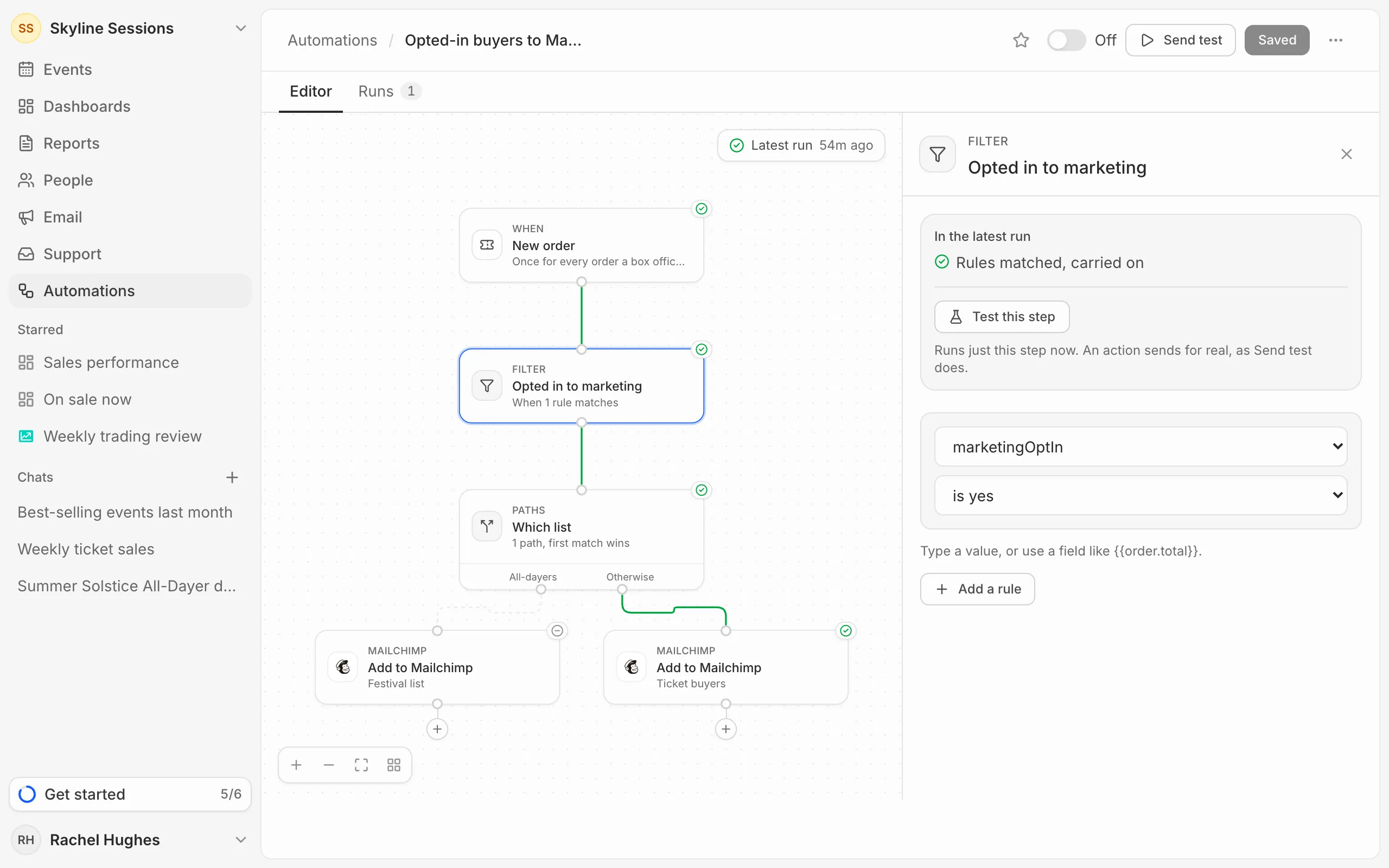
Paths
Paths sends a run one of several ways. Give each path its rules; they’re tried in order and the run takes the first that matches. When none does, it goes on by Otherwise. For example, buyers for all-dayers to one mailing list and everyone else to another.
Delay
A Delay waits before the next step, either For a set time (minutes, hours, days or weeks) or Until a date the run carries, such as a day before the event starts. A date that has already passed carries on straight away. A run that’s waiting shows as Waiting in its history.
Loop
A Loop runs the steps after Each item once for every item in a list, such as each ticket in an order, one at a time and up to 100 items. The steps after When done run once the last item is finished. A loop can’t go inside another loop.