Tags
On a profile, press Add tag and pick a tag or type a new one, such as VIP or Press. Press the cross on a tag to take it off.
You can filter by tag to build a segment.
Attributes
Attributes your organisation has created show under Attributes on every profile. Press Add beside one to fill it in, or click its value to change it. To create one, see Add your own attributes.
Notes
- Open the profile’s Notes tab.
- Press Add note, write it, and press Add note again.
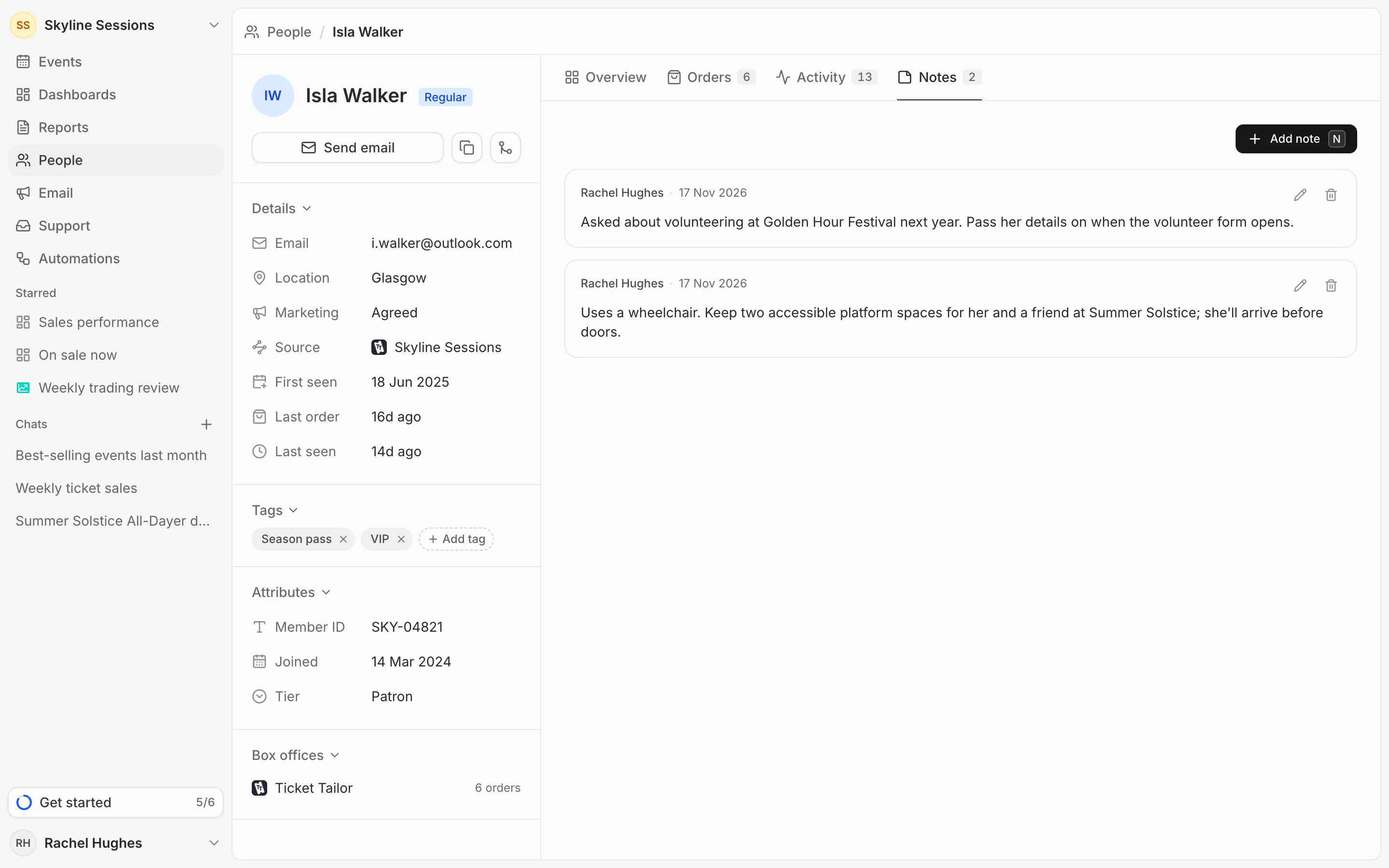
Each note shows who wrote it and when. Use the pencil to edit a note and the bin to delete it.
Notes are only seen by your team. They’re never sent to the person or shown to them.