Merge two profiles
Someone who buys with different email addresses shows up as two people. To combine them:
- Open the profile you want to keep.
- Press the merge button beside Send email (Merge with another person…).
- Search for the duplicate by name or email, and pick it.
- Press Merge.
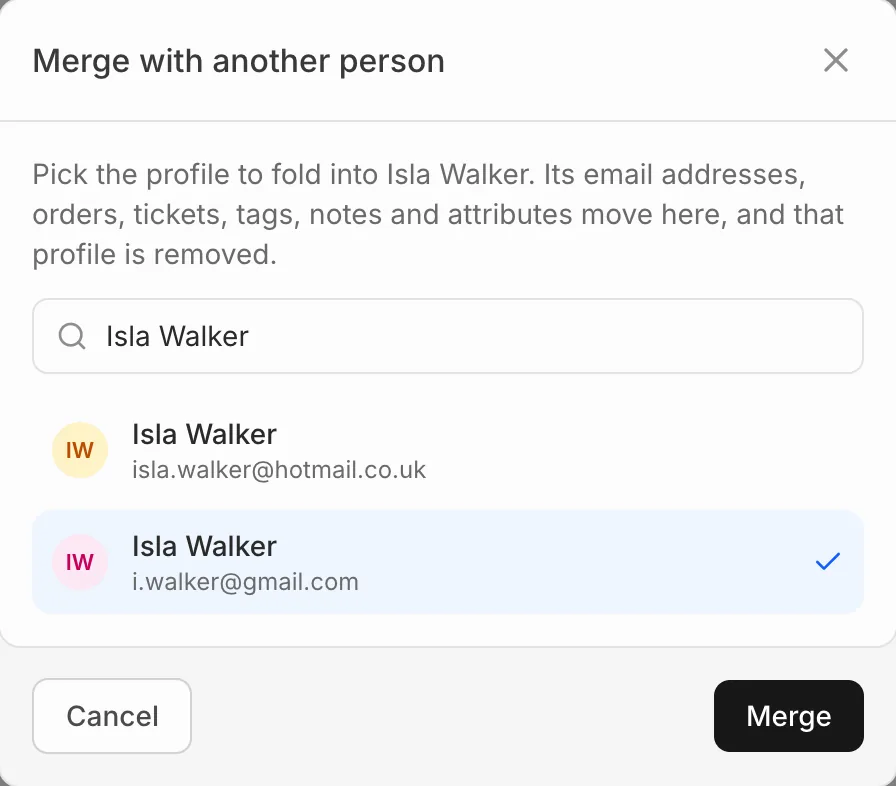
The duplicate’s email addresses, orders, tickets, tags, notes and attributes move to the profile you kept, and the duplicate is removed.
A merge can’t be undone.