Add a person
- In People, press New person.
- Enter their email. Their name and any of your attributes are optional.
- Press Add person.
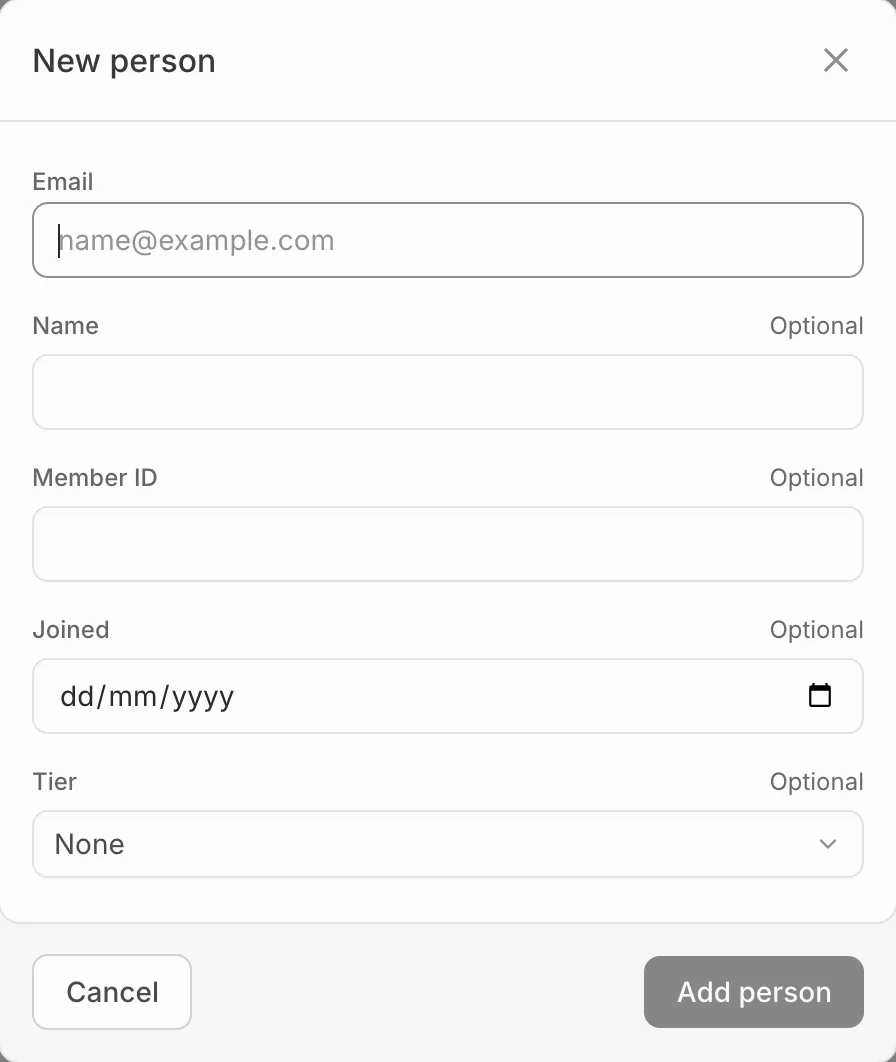
If someone already has that email, Eventdash says so and offers View their profile instead. Orders they later place with that email join the same profile.
Someone you add by hand hasn’t agreed to marketing, so campaigns leave them out until they agree on an order.