Who is in the list
Everyone who buys a ticket on a connected box office, or holds one someone else bought, appears in People as your box office syncs. There’s nothing to import. Someone who buys with the same email on two platforms is one person.
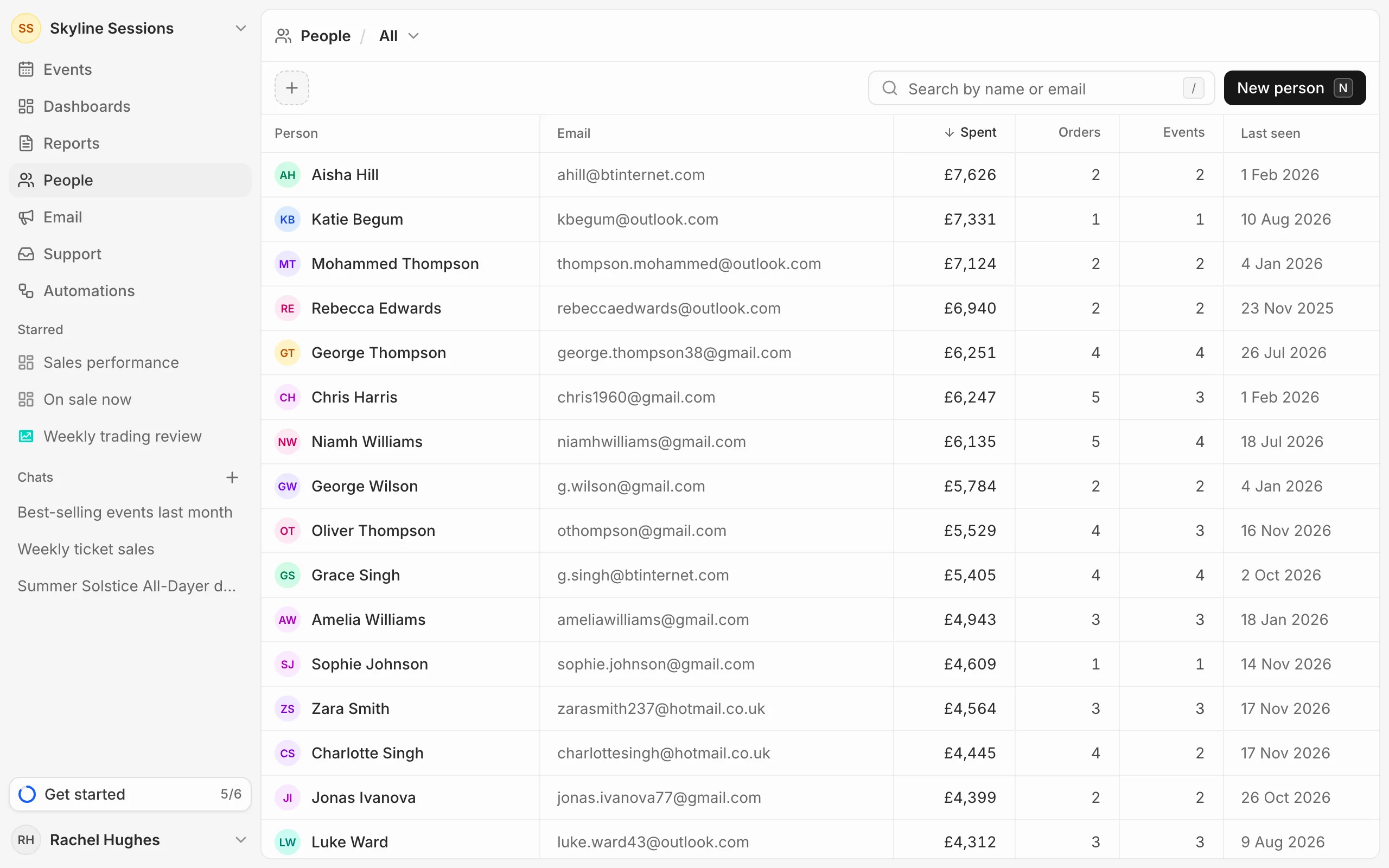
Search and sort
Type in Search by name or email to find someone. Click a column heading to sort by it: Spent, Orders, Events, Last seen, name or email. Click it again to reverse the order.
Click anyone to open their profile.
Views and segments
The menu beside People switches between All, Subscribed (everyone who agreed to marketing) and the segments your team has saved, each with how many people it holds.
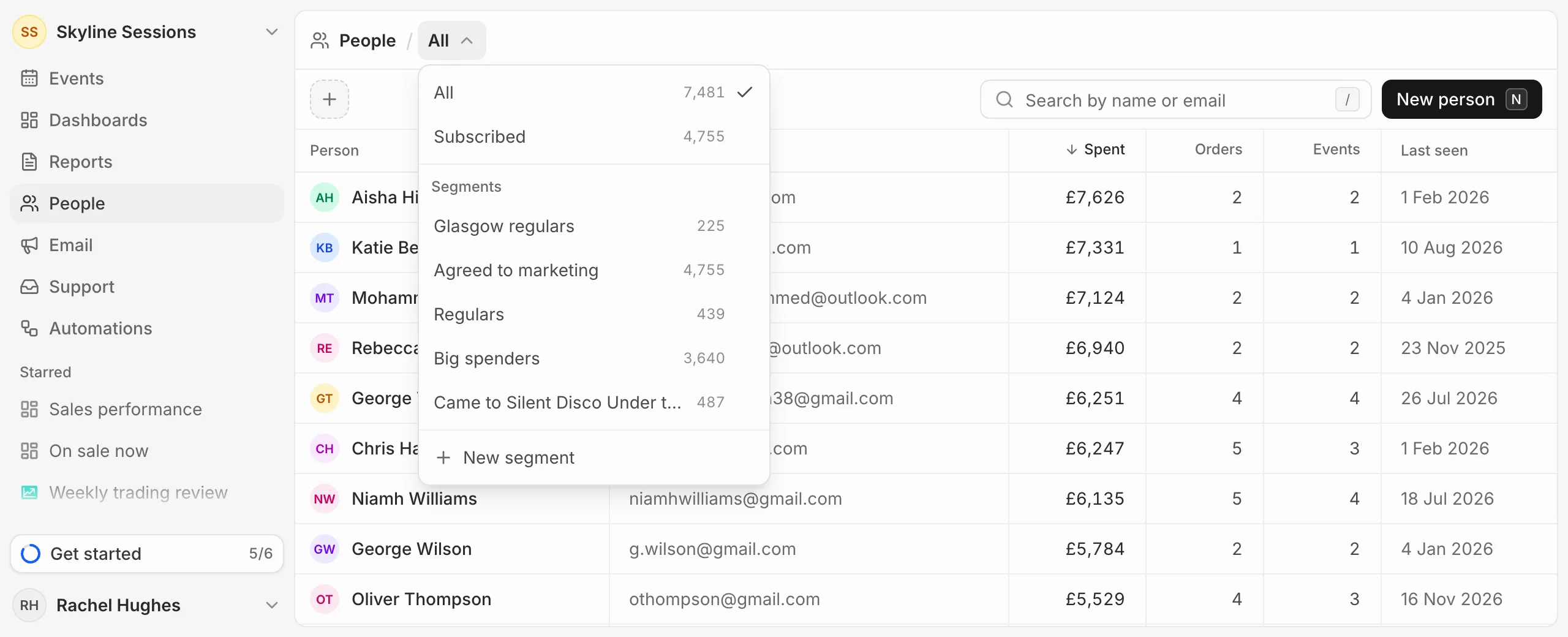
To narrow the list or save a group of people, see Build a segment.