The details panel
When the sender’s email address belongs to someone who has bought from you, the panel beside the conversation shows where they live, when they first bought, what they’ve spent, and how many orders and events they have. Under Recent orders are their latest orders, each marked Upcoming, Came, No-show or Refunded.
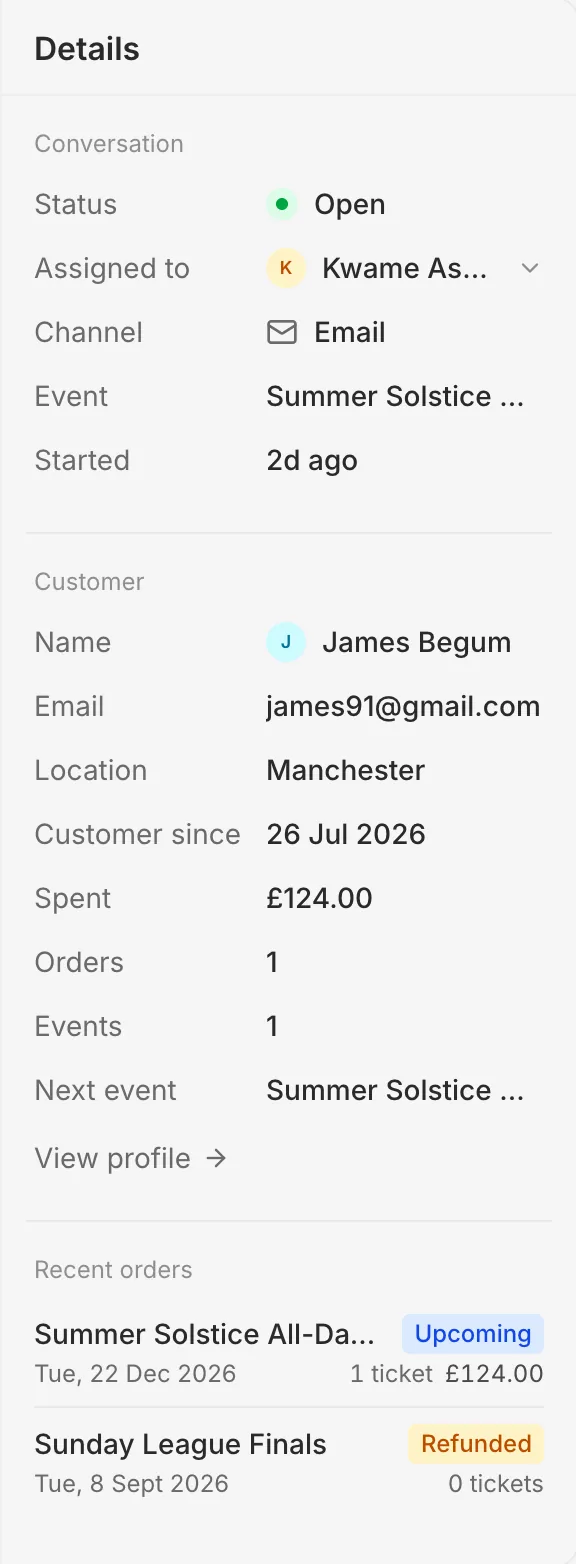
Press View profile for everything about them. See Buyer profiles.
Someone who hasn't bought
If nobody with that email address has bought from you, the panel shows only their name and email address.