Reply
Open a conversation, write in the box at the bottom and press Send, or ⌘ ↵. The reply is emailed to the buyer.
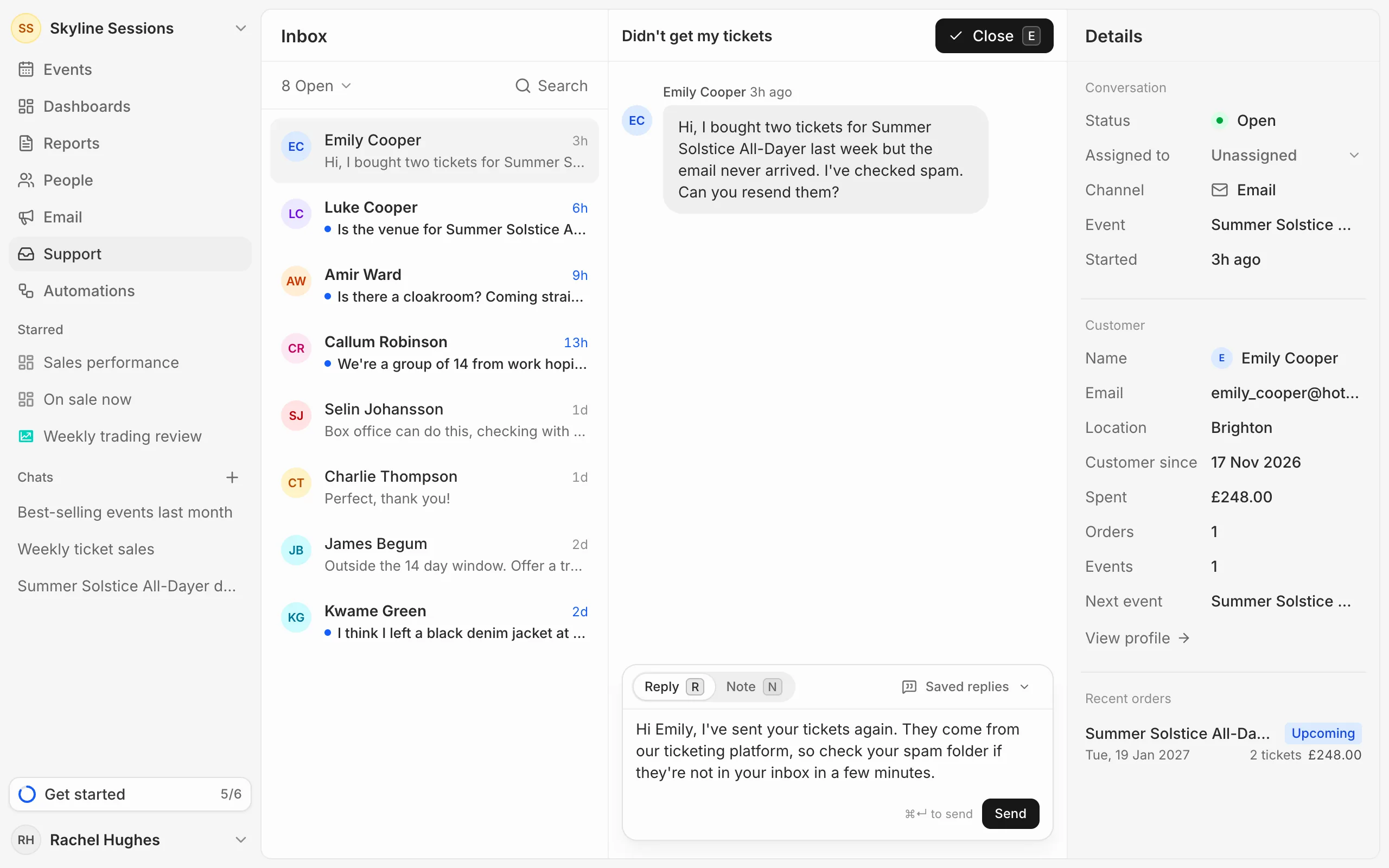
Under each reply you see whether it went: Emailed, or Couldn’t send with a Retry button beside it.
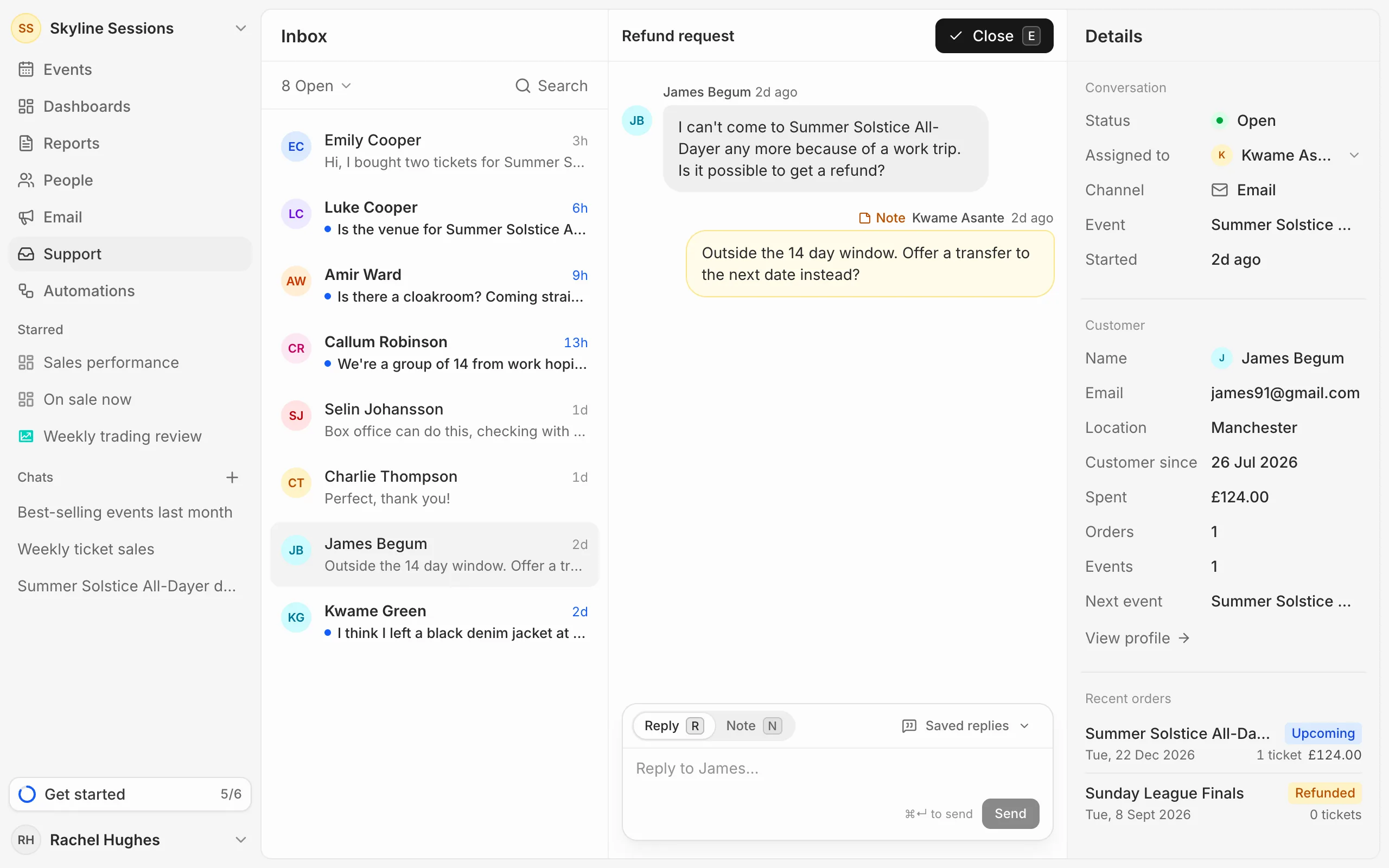
Leave a note for your team
Switch the box from Reply to Note and press Add note. Notes show in yellow in the conversation. Buyers never see them.
Attachments
Files that come in with a buyer’s email are listed under their message. Click one to open it. You can’t attach files to a reply.