Start a report
Open Reports in the sidebar and press New report, or N. Type a title, press ↵ and start writing. Hover over the title to add an icon, and click Add a description under it for a line about what the report covers.
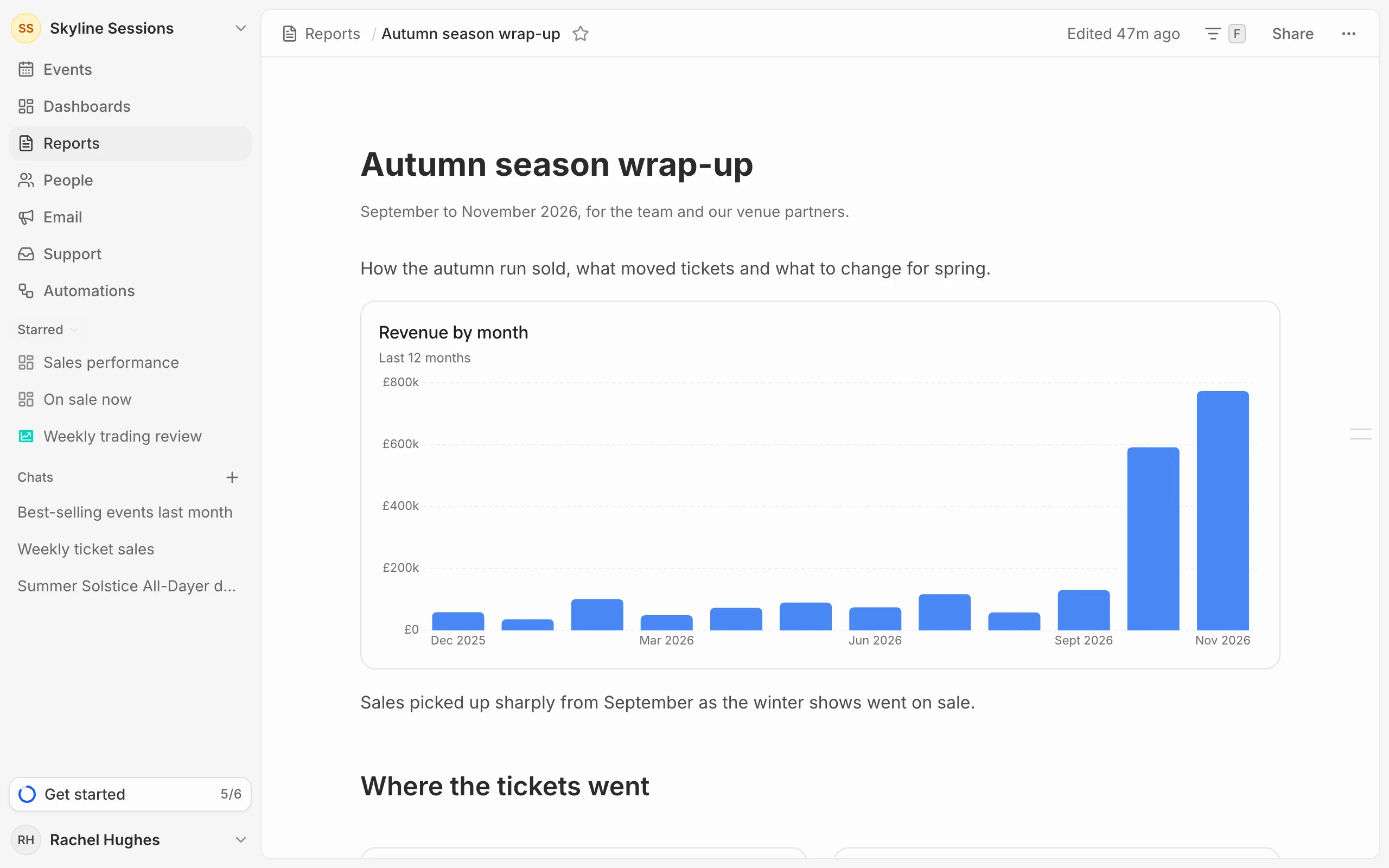
Reports save as you type. The time of the last edit shows at the top.
Other ways to start
- To reuse a report’s layout, open it and choose Duplicate from the … menu.
- Ask the AI assistant to write one, for example “write a report on last month’s shows”. See Save answers to dashboards and reports.
Add metrics, headings and lists
Type / on a new line, or hover over a line and press the + beside it, to open the block menu. Keep typing to narrow it, then press ↵.
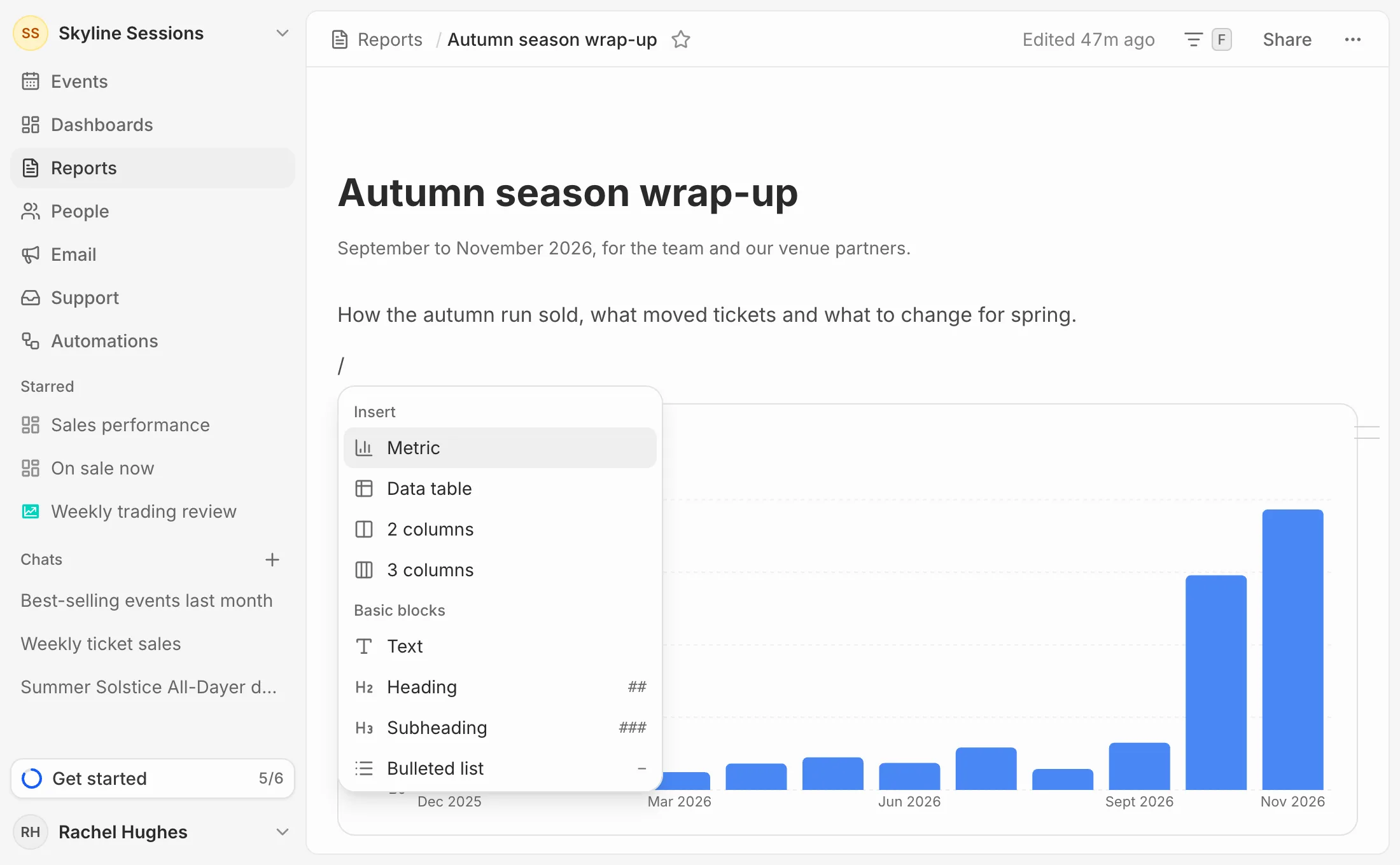
- Metric, Data table, 2 columns and 3 columns: see Add metrics and tables.
- Heading, Subheading, Bulleted list, Numbered list, Quote and Divider. You can also type
##,###,-,1.,>or---at the start of a line.
Select text to make it bold, italic, struck through or code, or to add a link.
Move, copy or delete a block
Hover over a block and drag the handle beside it to move it. Click the handle to Duplicate or Delete the block.
Make it wider
Turn on Full width in the … menu to use the whole window, which helps with wide tables and three columns.