Keep a chart
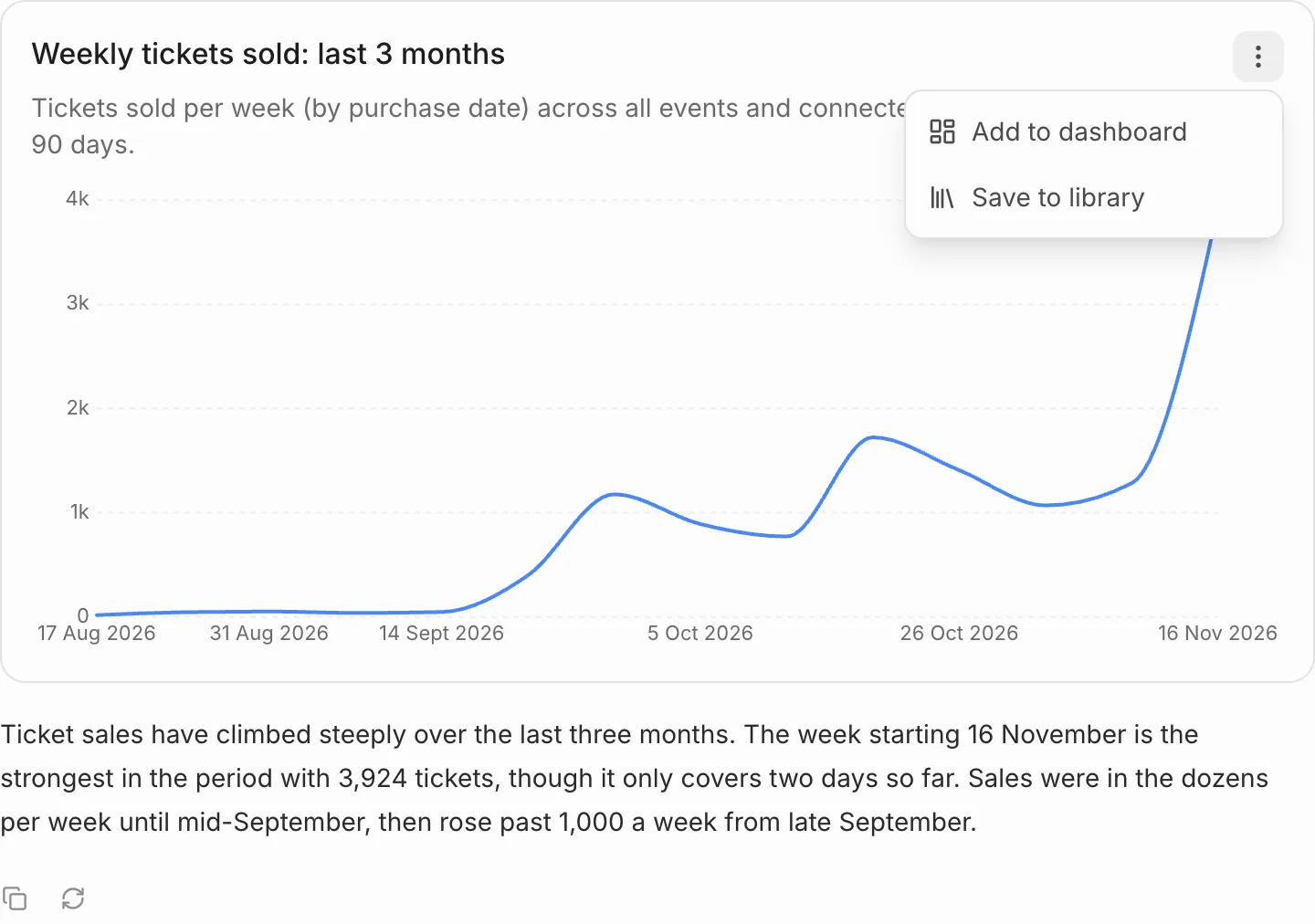
Hover over a chart and press Chart options (the three dots at its top right).
- Add to dashboard lets you pick a dashboard or report to add it to, or create a new one.
- Save to library keeps it in your metrics, ready to add to any dashboard or report later.
Build a dashboard or report
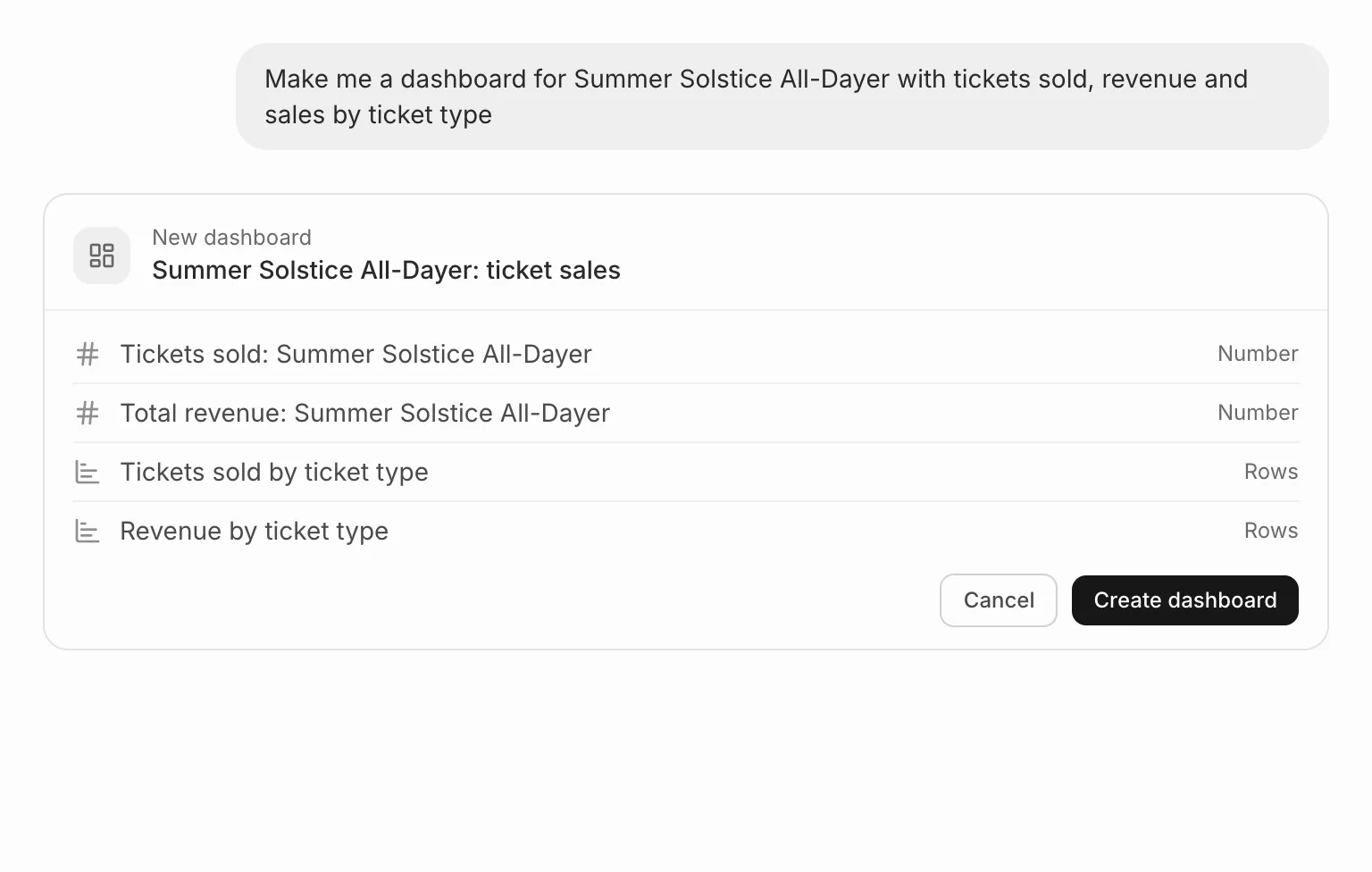
Ask for one, for example “make me a dashboard for Summer Solstice with tickets sold, revenue and sales by ticket type”. The assistant shows what it plans to build. Press Create dashboard or Create report to make it, or Cancel.
Change or delete one
You can also ask it to change or delete a dashboard or report. It shows the changes first, and nothing happens until you press Apply changes, or Delete dashboard or Delete report. A deletion can’t be undone.