The list
Reports in the sidebar lists every report in your organisation. Starred shows the ones you starred and Yours the ones you made.
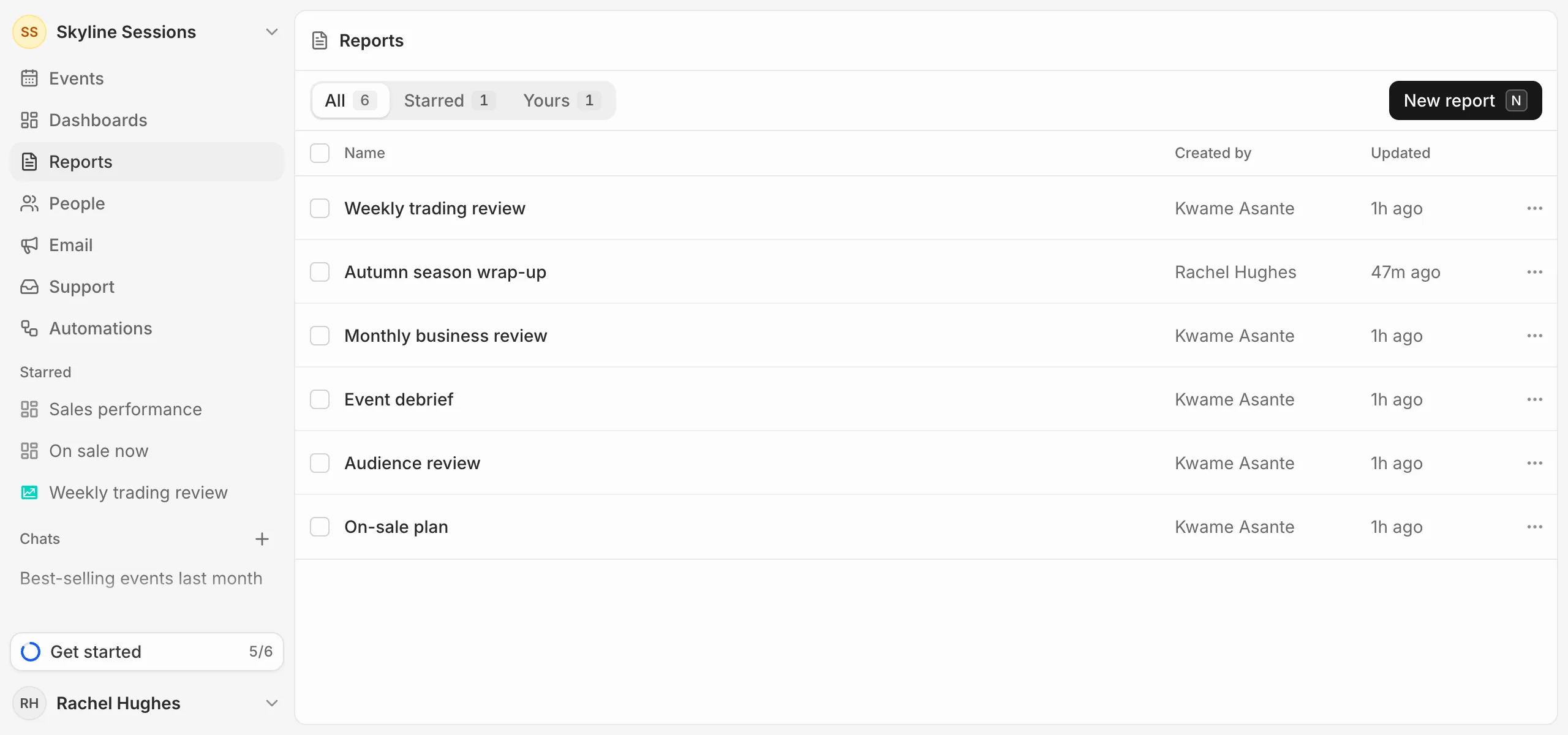
Press the star next to a report’s name to keep it under Starred in the sidebar. Stars are your own.
Duplicate or delete
Open a report’s … menu in the list to Duplicate or Delete it. Tick several to delete them together.
Deleting a report also stops every link you shared it with.