Open the history
Click the time of the last edit at the top of the report, such as Edited 8m ago, to see who created and last edited it. Then choose Version history.
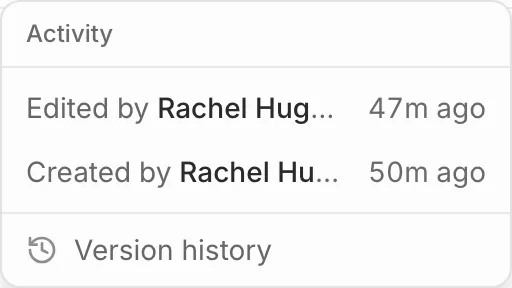
A version is kept whenever the report changes hands or is picked up again after a break, and whenever the AI assistant edits it. The newest 50 are kept.
Restore one
- Pick a version from the list to see how the report read then.
- Press Restore this version, then Restore.
What the report said before you restored is kept in the history too, so you can undo it the same way.