Share it
- In the report, press Share.
- Type the email addresses of the people who should see it.
- Choose when their access Expires: in 1, 7, 30 or 90 days, or Never.
- Leave Email them the link on to send it for you, or turn it off and send the link yourself.
- Press Invite.
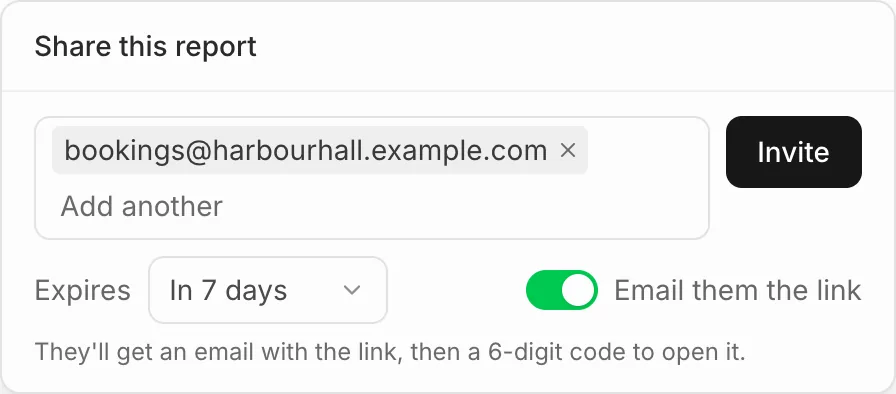
You can invite up to 20 people at a time. Each needs a code sent to their own address to open the report, so a forwarded link is no use to anyone else.
What they see
They open the link, enter their email address and type the 6-digit code we send them. The code works for 10 minutes. Only the addresses you added can open the report.
They see the report as it is now, with live figures, your saved filters and when the data was last updated. They can’t change it, and they can download it with Download PDF. After a day, they’re asked for a new code.
Change or stop sharing
Press Share to see who has access. Open the menu beside a person to change when their access expires, Copy their link, or Remove them. Giving an expired person a later date opens their old link again.
Dashboards
Dashboards are for your team only. To share figures outside it, put them in a report, or invite the person as a member.