Add a filter
Press the + beside the tabs and choose what to filter by:
- Tags: events with any of the tags you tick. See Tag events.
- Platform or Connection: events from one ticketing platform, or from one account on it if you’ve connected several.
- Date range: events on or between two days, in each event’s own timezone.
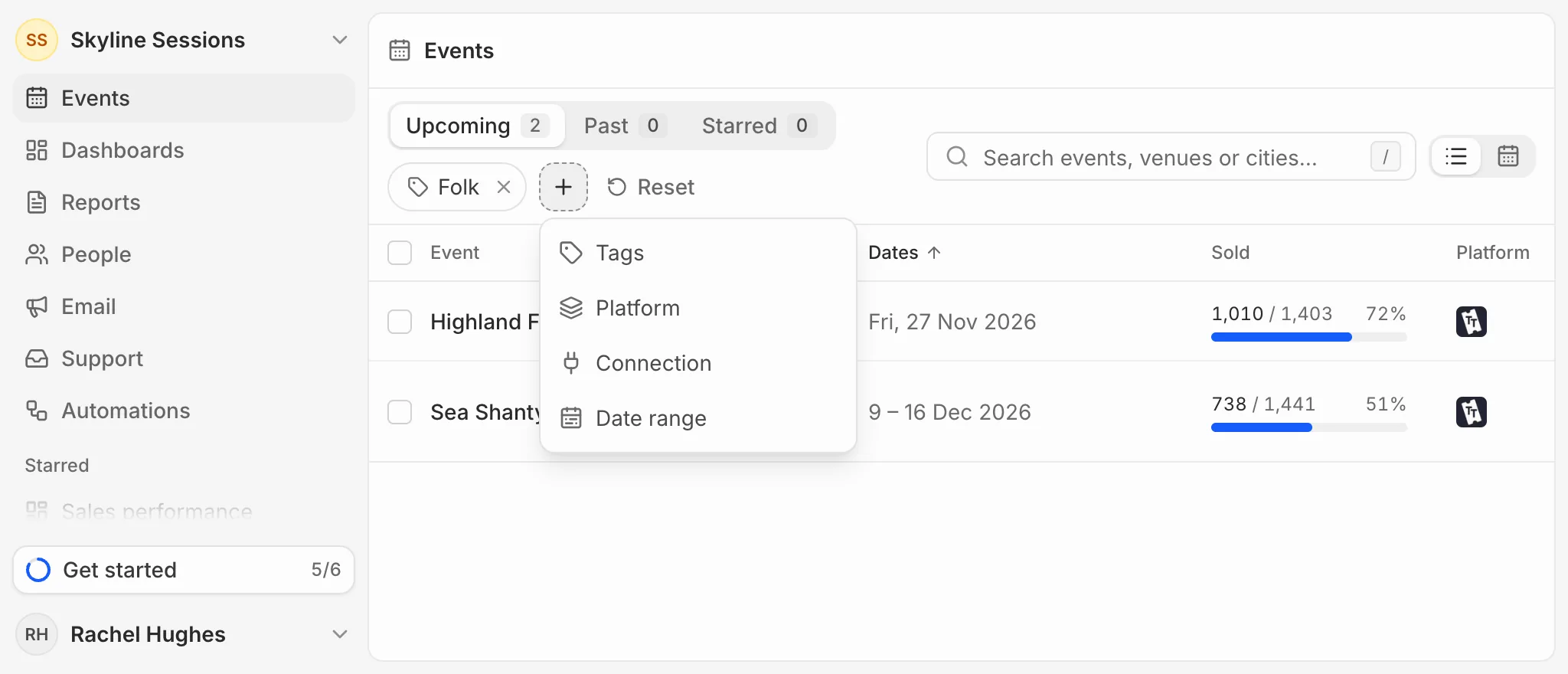
Change or clear
Click a filter to change it, or its cross to remove it. Reset clears them all. Filters are part of the page’s address, so you can bookmark a filtered list or send it to someone on your team.