Switch to the calendar
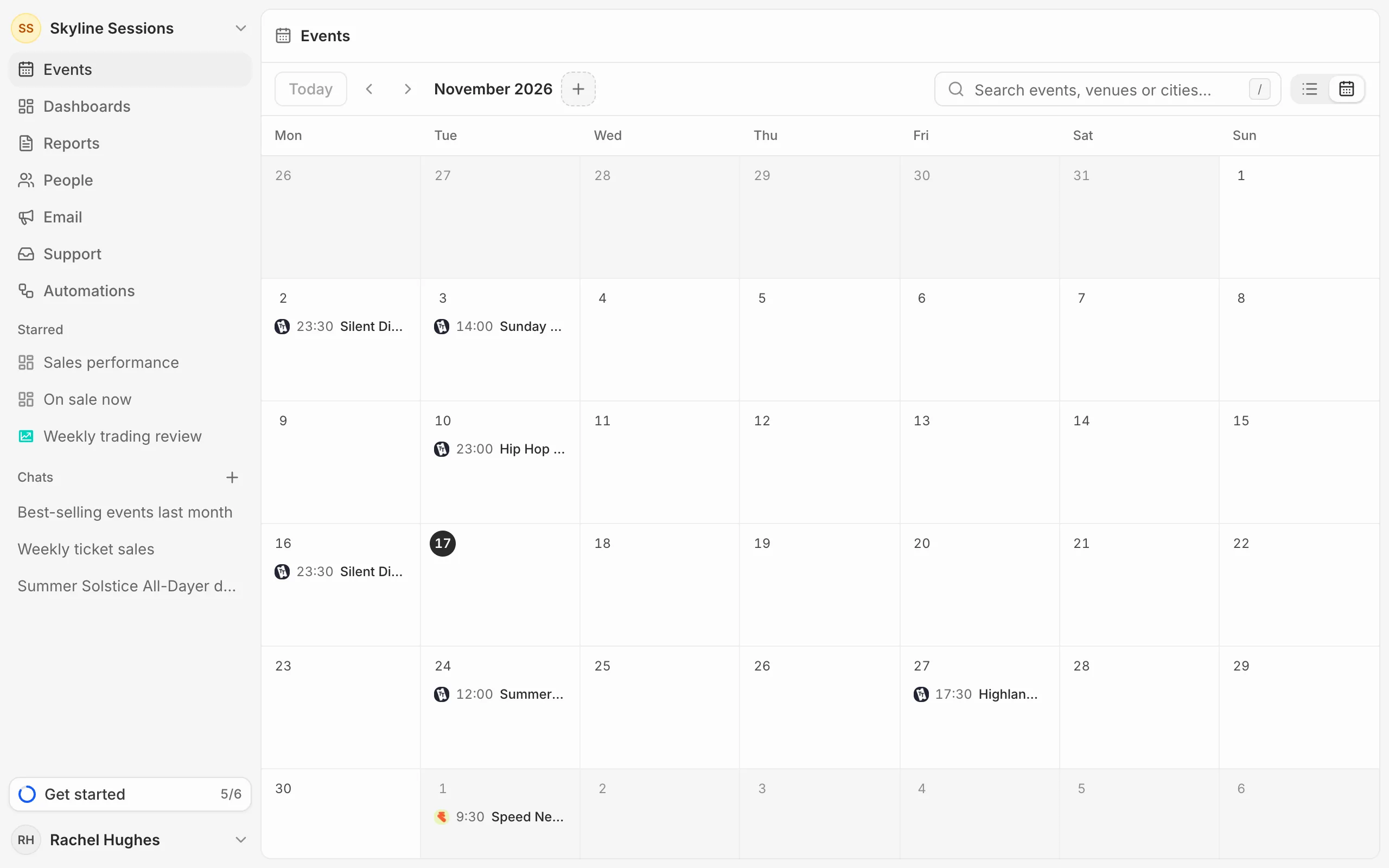
Press the calendar icon at the top right of Events; the list icon beside it switches back. Each event sits on its day with its start time and platform. Click one to open it.
Move around
Use the arrows to change month and Today to come back to this one. When a day has more events than fit, press more to see the rest. On a phone, the month is a list of days instead.
Search and filters
Search and filters work on the calendar as they do on the list (see Filter events). The calendar shows past and upcoming events together, so the tabs aren’t there.