At the top
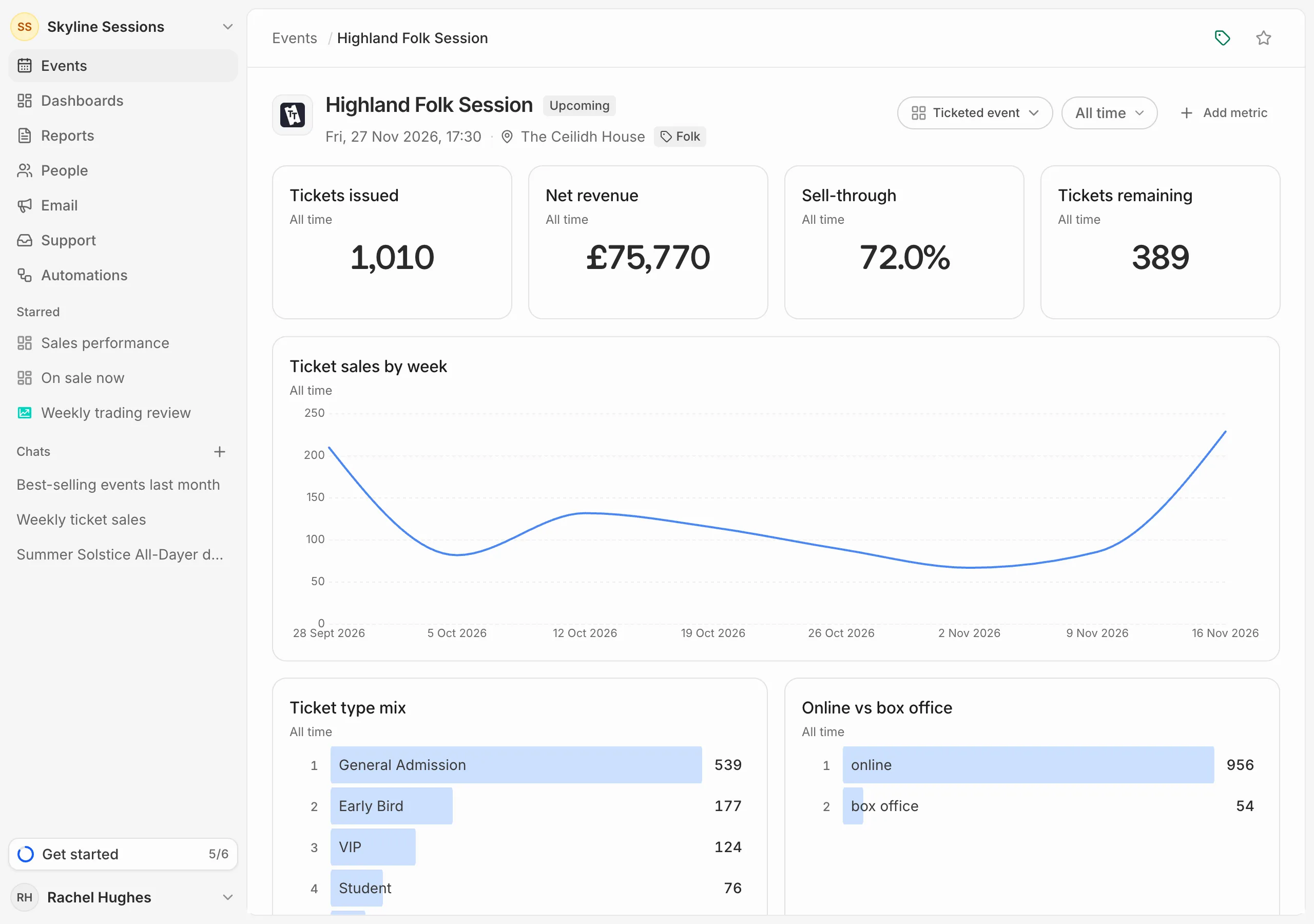
Click an event in the list to open it. The top of the page has its platform, date and time, venue and tags, and its status: Upcoming, Live while it’s on, or Past. The platform can also mark it Draft, Sales closed or Cancelled.
The cards
Below are cards for this event only. To start with, they show tickets issued, net revenue, sell-through and tickets remaining, sales by week, and how sales split across ticket types and between online and the box office.
The period button next to them (All time to start with) sets the dates the cards count, for this event. To change which cards are there, see Change what an event’s page shows.
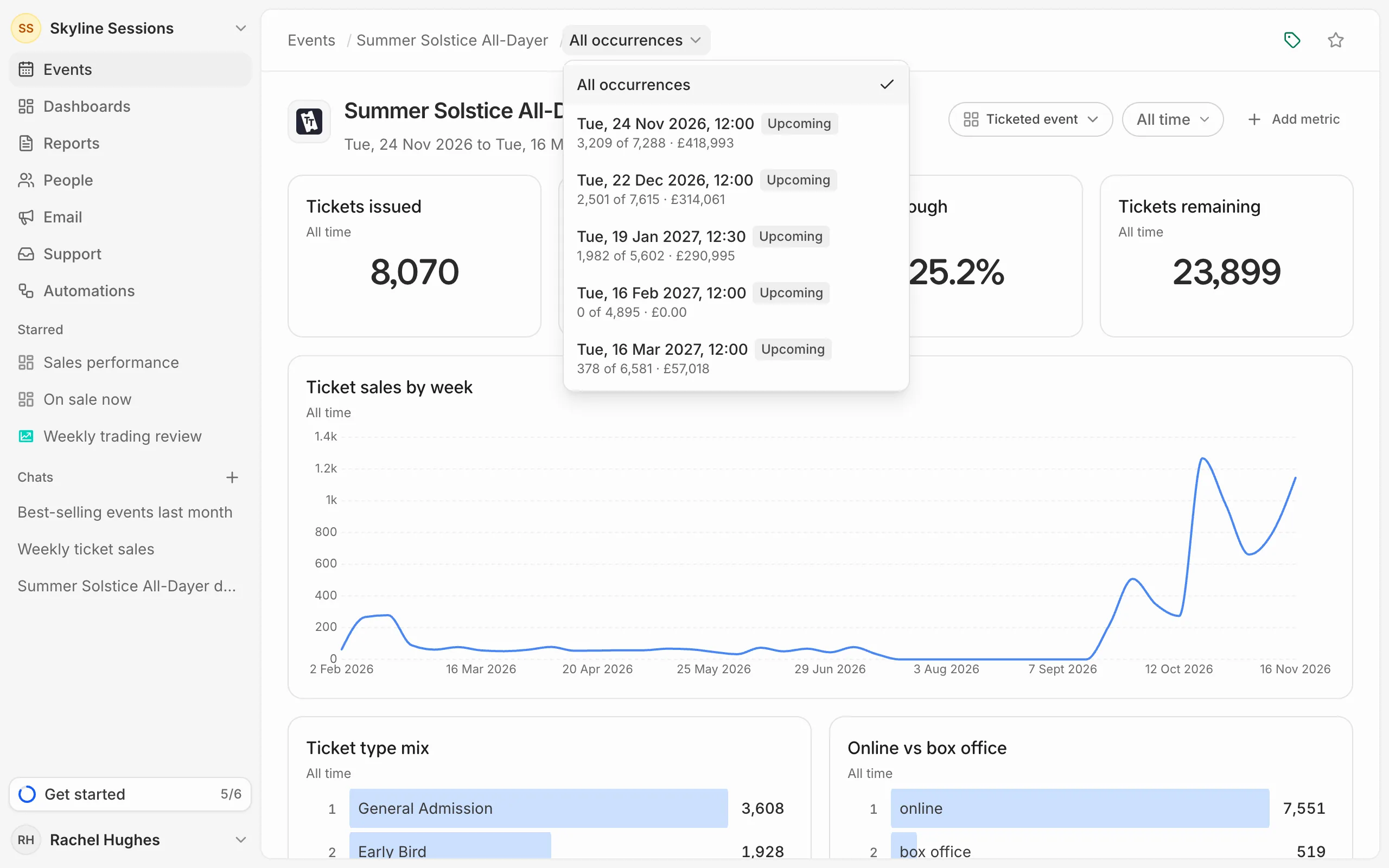
An event with several dates
An event that runs on several dates opens on All occurrences, which adds up every date. To look at one date, open the menu at the end of the trail at the top of the page and pick it. Each date shows its status, tickets sold and revenue.