Pick a segment
In the editor’s To field, choose one of your segments. Each shows how many of its people can be emailed, such as 299 of 439 people.
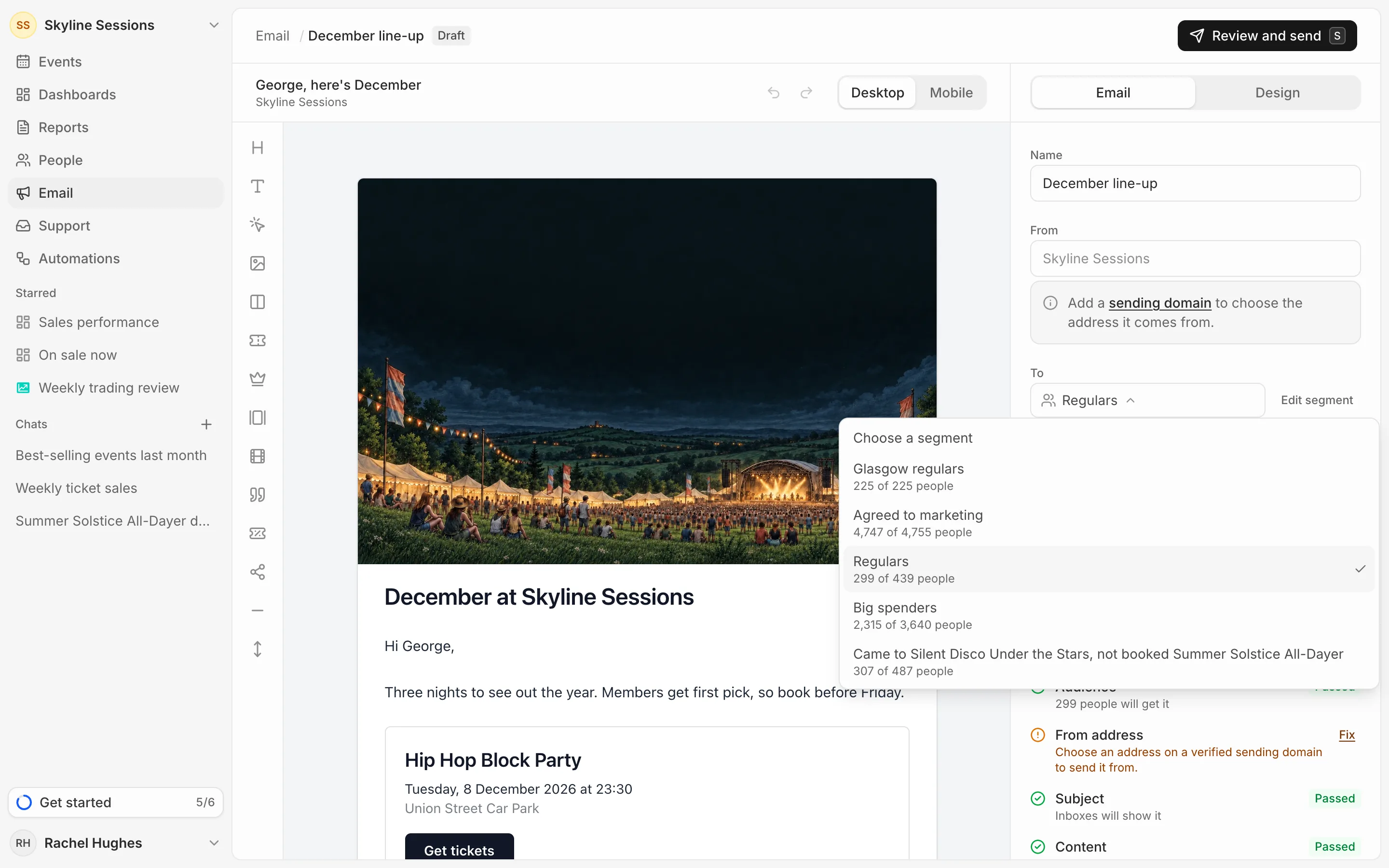
New segment and Edit segment take you to People to make or change one. See Build a segment.
Who is left out
A campaign only goes to people in the segment who:
- agreed to marketing on an order, and
- aren’t on your suppression list because they unsubscribed, bounced or marked an email as spam (see Unsubscribes and bounces).
It goes to whoever is in the segment when it’s sent, so people who join the segment before a scheduled send get it.