Your profile
Open the organisation menu at the top of the sidebar, choose Settings, then Profile under Your account. What you change here is only for you, not the rest of your team.
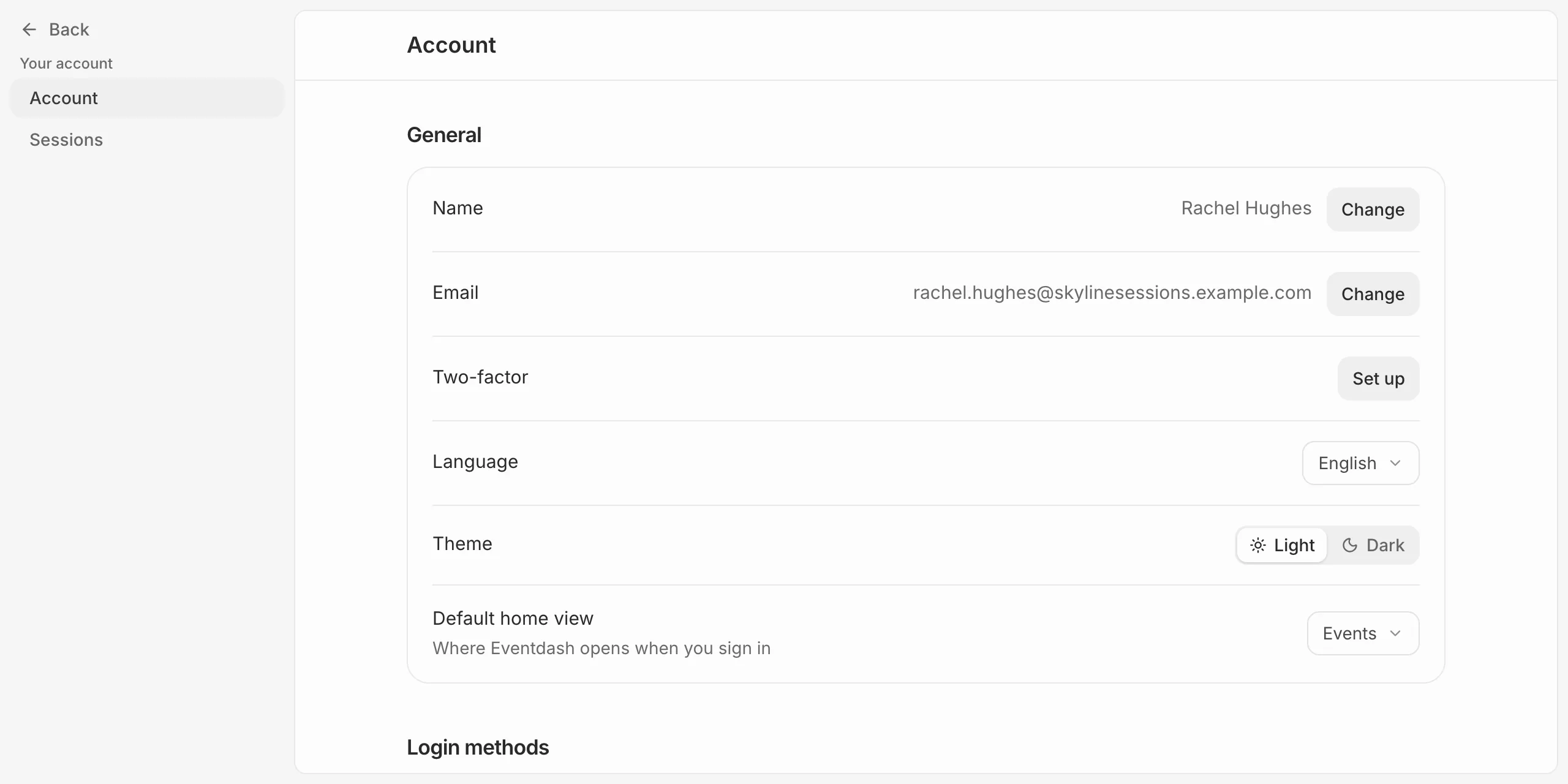
- Beside Email, press Change, type the new address and press Save.
- We send an 8-digit code to the new address. Enter it under Verify new email and press Verify.
Name
Beside Name, press Change. Your name shows to your team and on support replies you send.
Language, theme and home view
- Language sets the language Eventdash is shown in.
- Theme switches between Light and Dark.
- Default home view sets where Eventdash opens when you sign in.