Connect an account
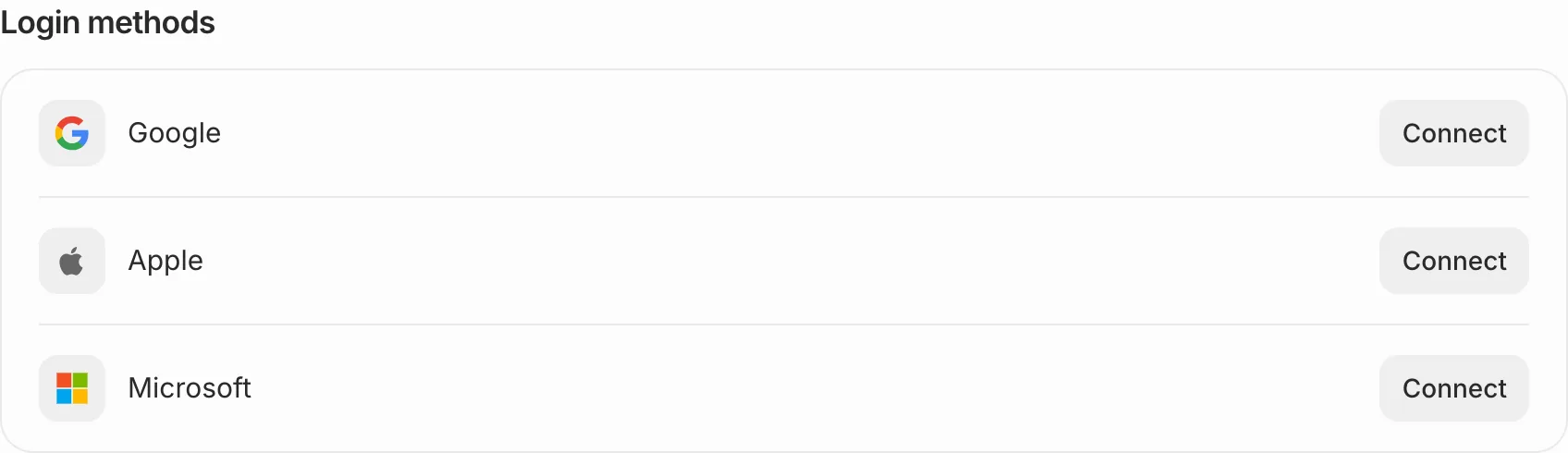
In Settings, choose Login methods under Your account, then press Connect beside Google, Apple or Microsoft and sign in there. From then on you can choose it on the sign-in page.
Disconnect one
Press Disconnect beside it and confirm. You can always sign in with a code sent to your email.