Open the command palette
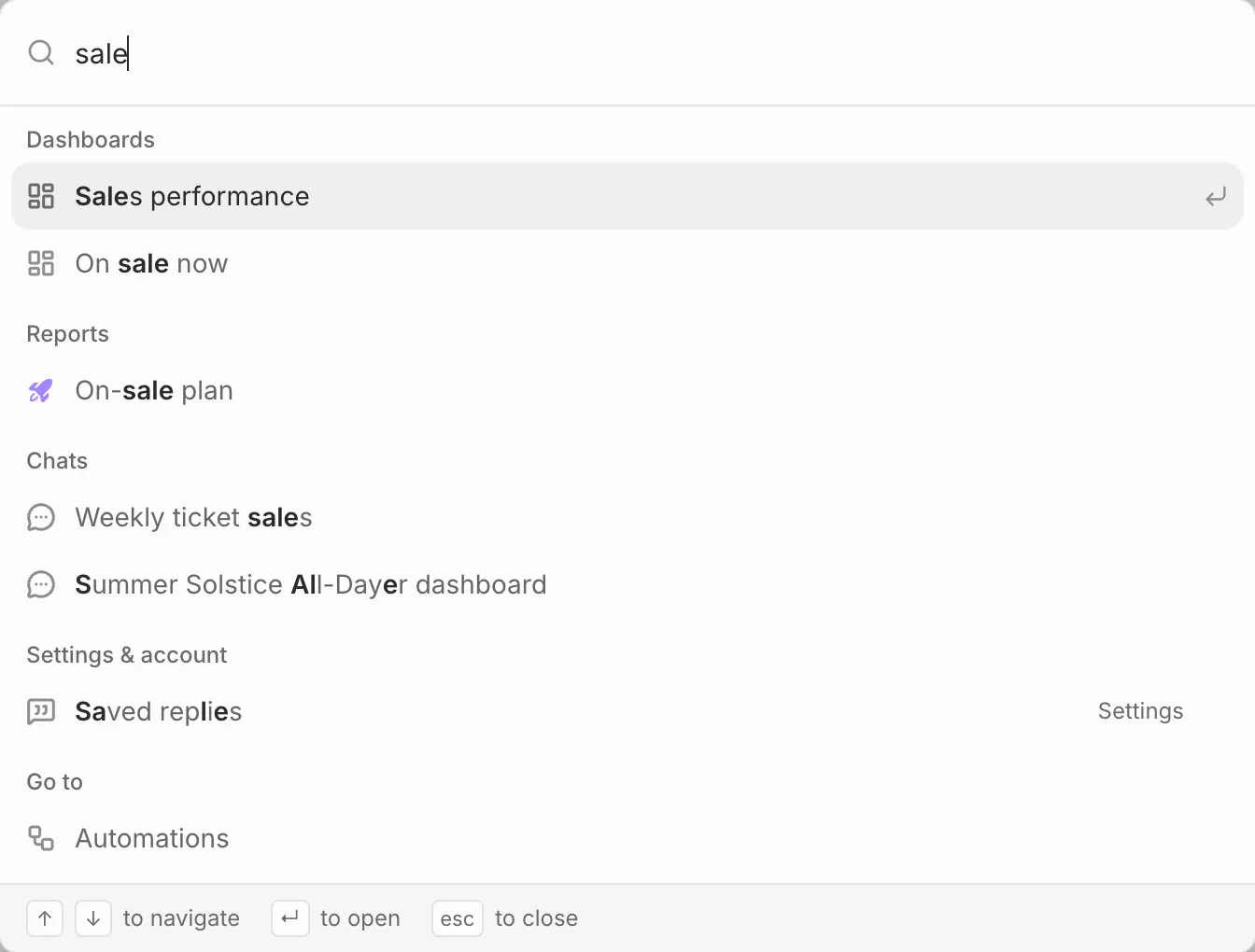
Press ⌘K (Ctrl+K on Windows) from anywhere in Eventdash and start typing. Use the arrow keys to pick a result and Enter to open it.
What it finds
- Events, by name, venue or city
- People, by name or email
- Dashboards, reports and your chats
- Every section of the app, every settings page and your account pages
Actions
Before you type, the palette lists your starred pages and a few actions: New chat, New dashboard, New report and switching between light and dark. If you belong to more than one organisation, Switch organisation is there too.