Skip to content

Choose where Eventdash opens

Pick the page you land on when you sign in: Events, Dashboards or any other section.

Change your home view

Eventdash opens on Events unless you choose otherwise. If you live in your dashboards or your helpdesk, start there instead.

  1. Open Settings and choose Profile.
  2. Pick a page under Default home view. It saves straight away.
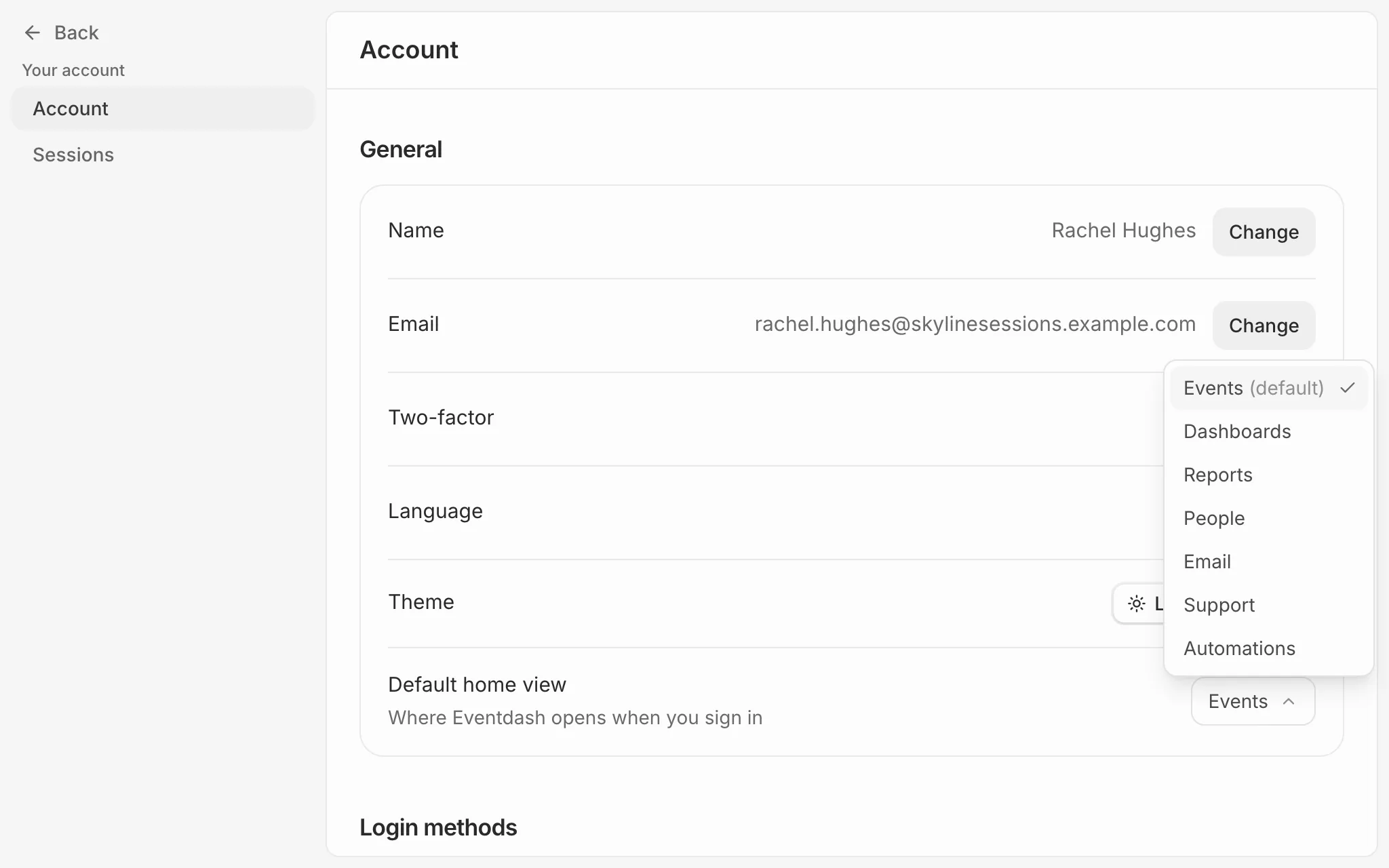
The Account page with the Default home view menu open, listing Events (default), Dashboards, Reports, People, Email, Helpdesk and Automations.

The choice is yours alone and follows you to every organisation you belong to.

Still need help?

Email us and a person on the team will get back to you.