The list
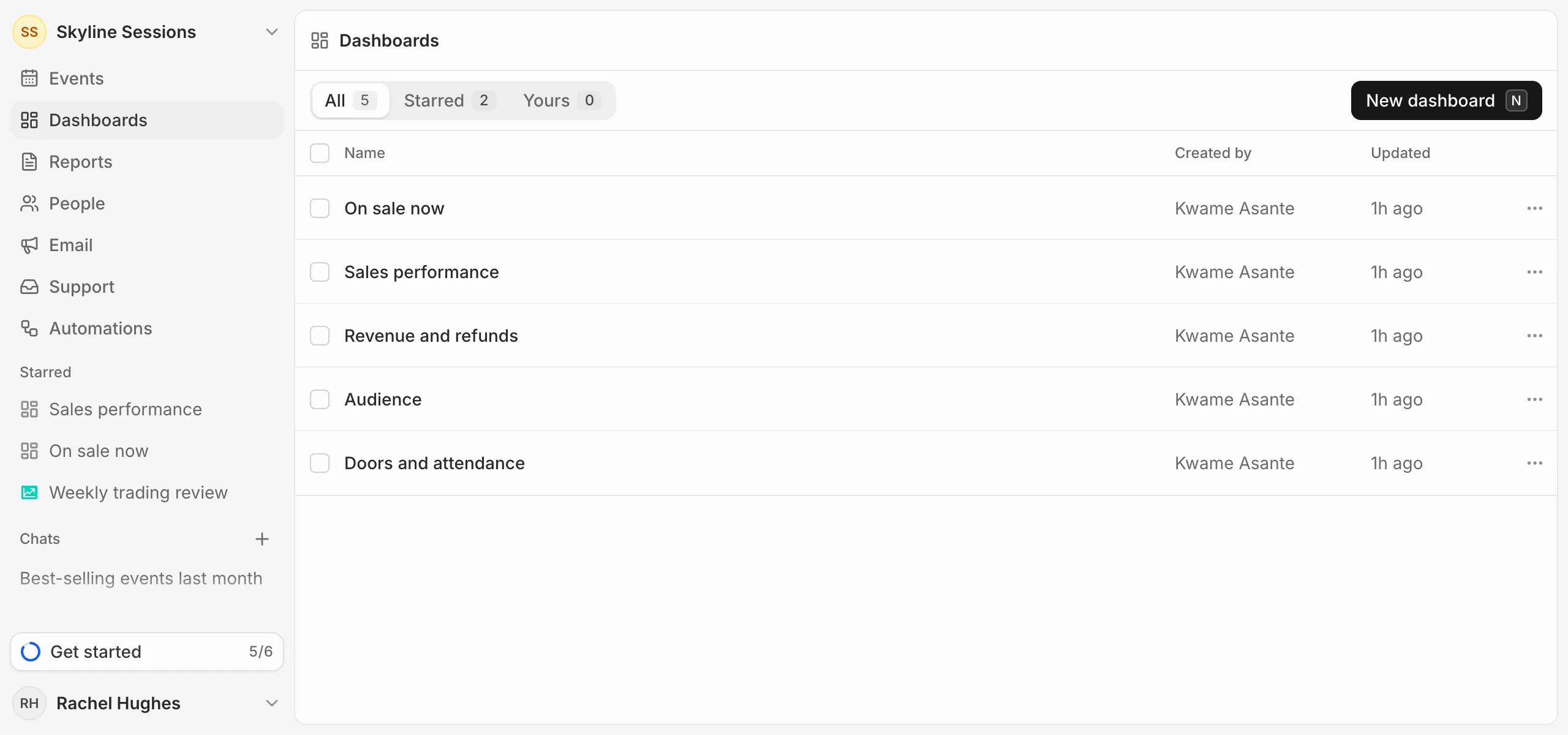
Dashboards in the sidebar lists every dashboard in your organisation. Starred shows the ones you starred and Yours the ones you made.
Star one
Press the star next to a dashboard’s name. Starred dashboards and reports sit under Starred in the sidebar. Stars are your own: starring one doesn’t star it for your team.
Duplicate or delete
Open a dashboard’s … menu in the list to Duplicate or Delete it. Tick several to delete them together.
Deleting a dashboard deletes its cards too, except metrics saved to your library or also on another dashboard or report.