Your chats
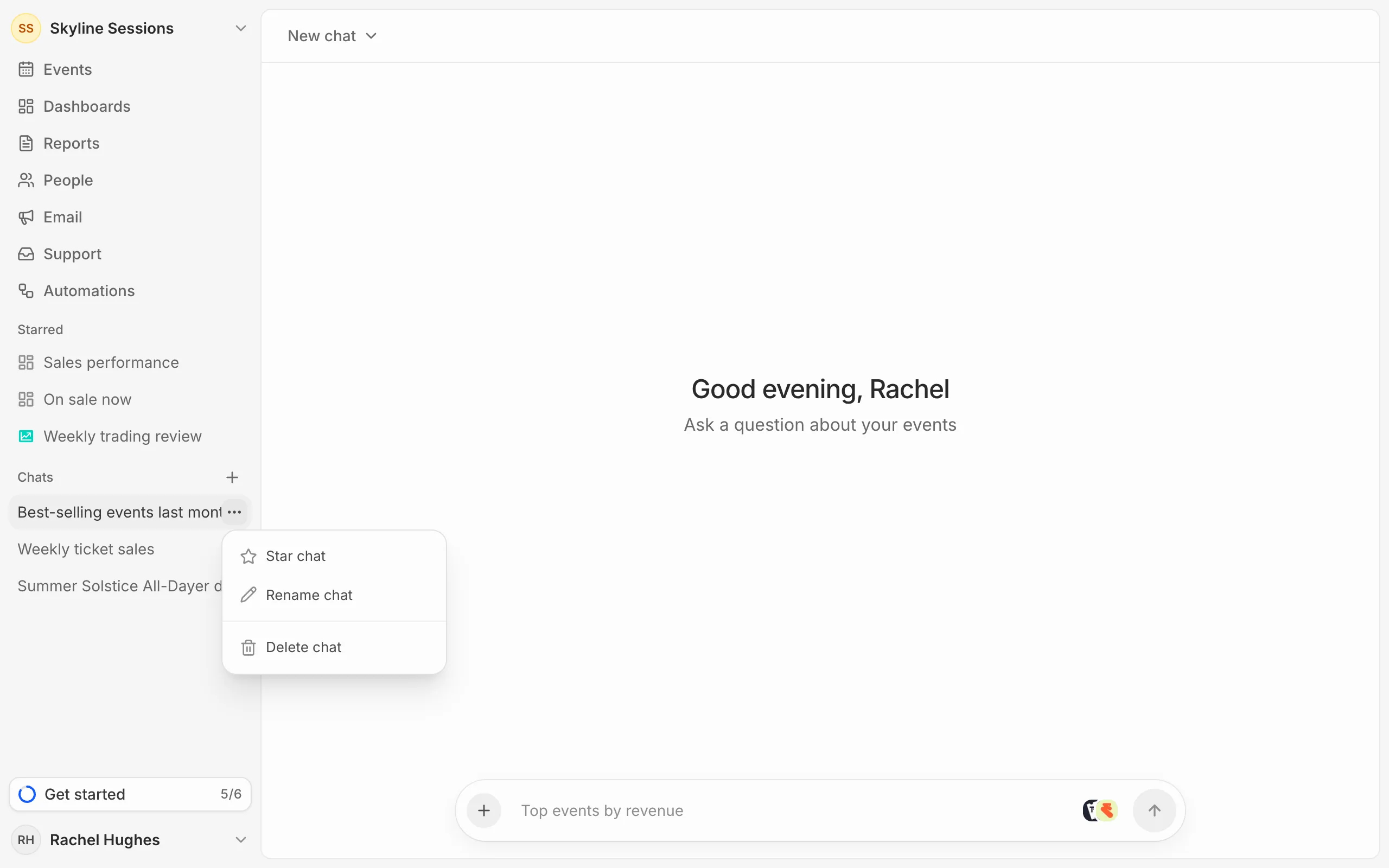
Your chats are listed in the sidebar under Chats, the most recent first. Click one to carry on where you left off. Only you can see your chats.
Hover over a chat and press the three dots to Star chat, which adds it to Starred in the sidebar, Rename chat or Delete chat.
Deleting a chat doesn’t remove charts you saved from it.
How long they're kept
A chat is deleted once nobody has used it for a while: 90 days unless your organisation has chosen differently. See Manage AI access.