Disconnect it
- Open the organisation menu at the top left, choose Settings, then Integrations.
- Press Manage on the platform’s card, then the bin beside the account you want to remove.
- Type the connection’s name to confirm and press Disconnect and delete.
What gets deleted
Its events, orders and tickets, and the people known only through it. Its figures drop out of your dashboards and reports.
People who also bought through another platform, or who have tags, notes or attributes your team added, are kept, without these orders. Your account on the ticketing platform isn’t touched.
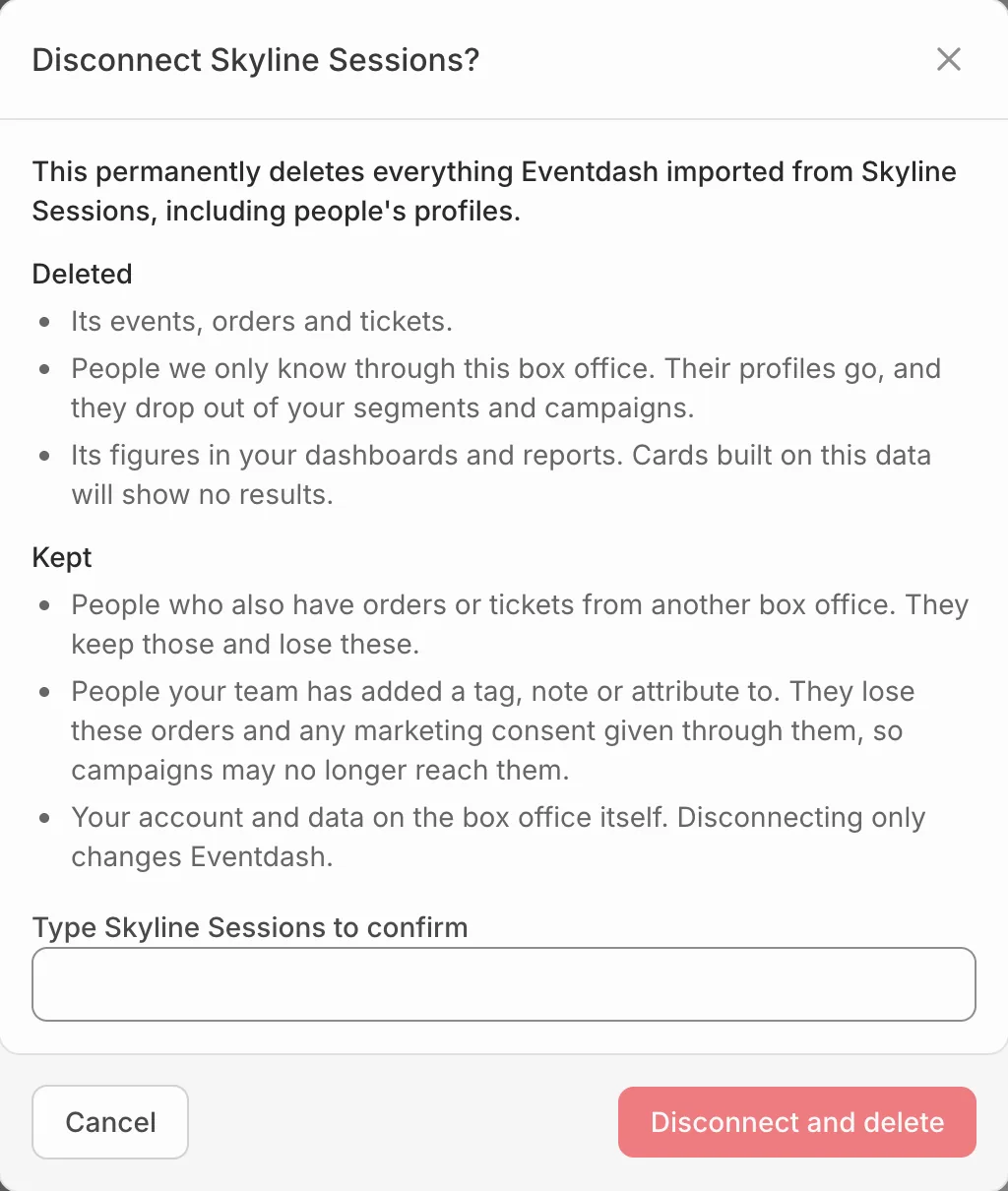
This can’t be undone. Connecting the same account again imports its history from scratch.